Mikhail ZeynalovLet's talk
All work
WonderSaaS launch · 2025900K+ views

A design tool you talk to.

A launch film for Wonder, an AI design tool. A violet cursor draws, types and edits its way across a canvas — “@Wonder” turns a prompt into screens, then into a design system — and the film ends on “It’s time to wonder.”

My role: 3D motion designer

The film00:43
01

The cursor is the main character.

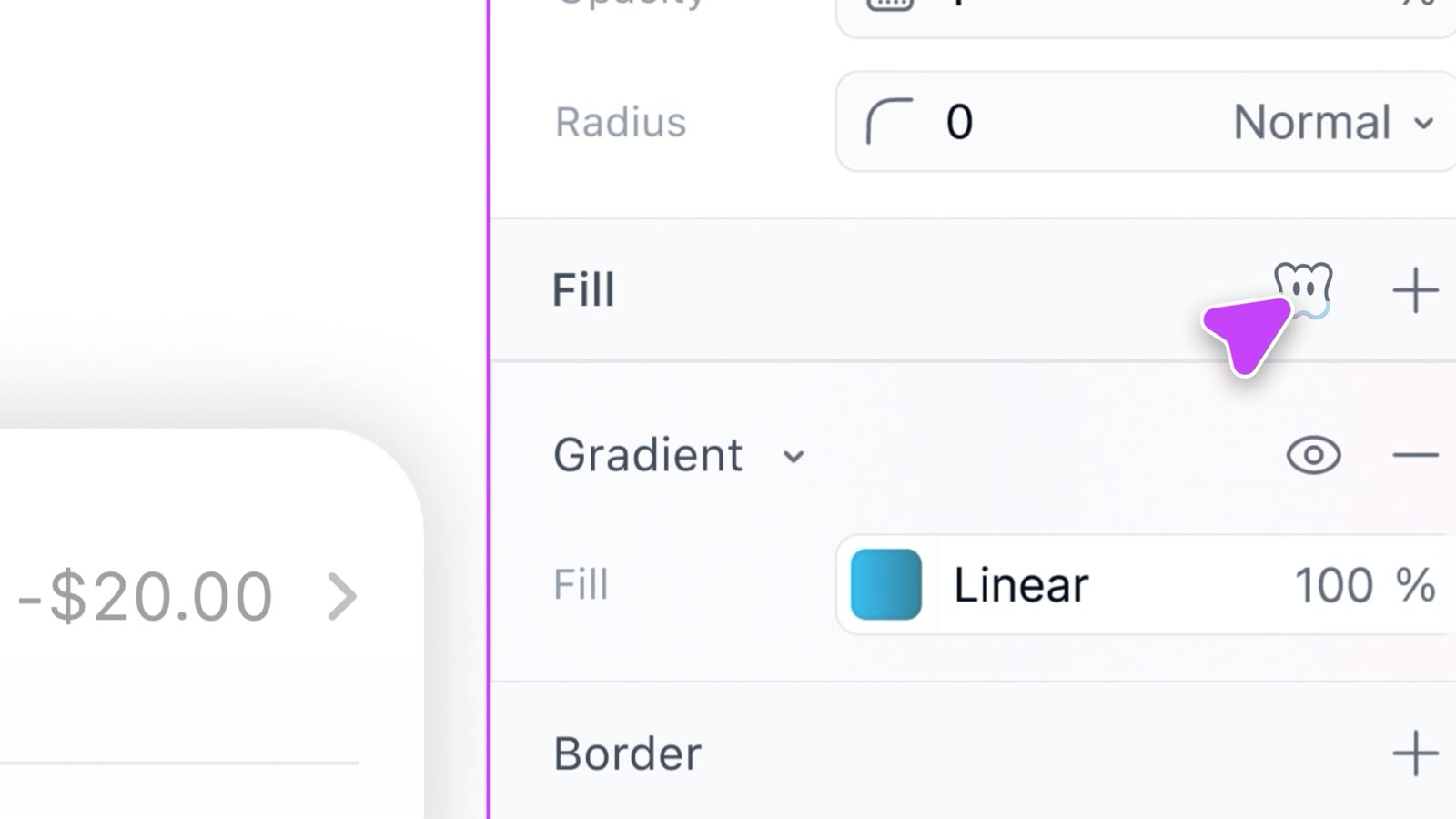
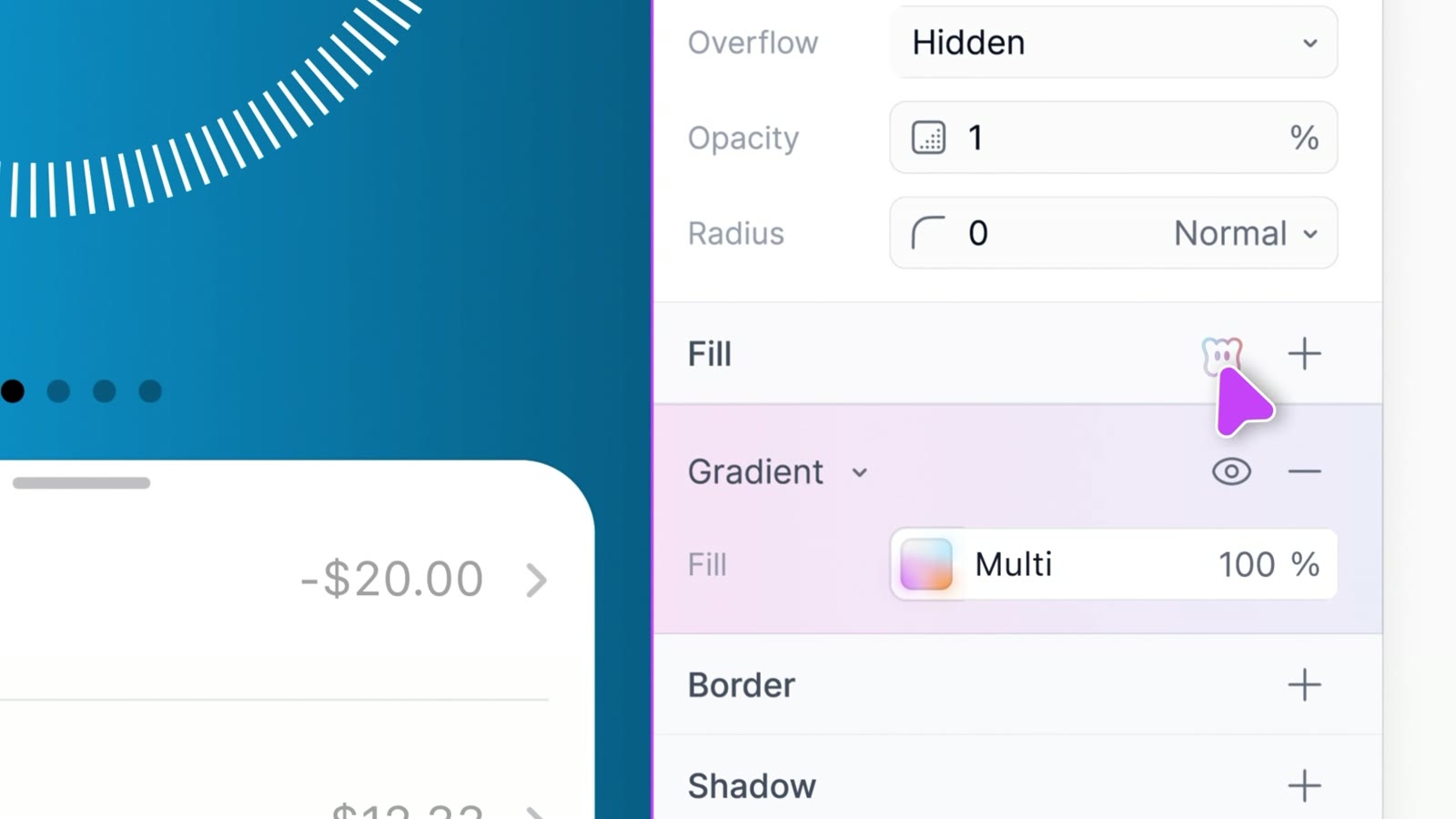
Everything happens through one violet cursor: it sketches a path, calls Wonder, generates screens, tweaks a gradient and builds components. These are the lines on screen.

  1. “@Wonder”
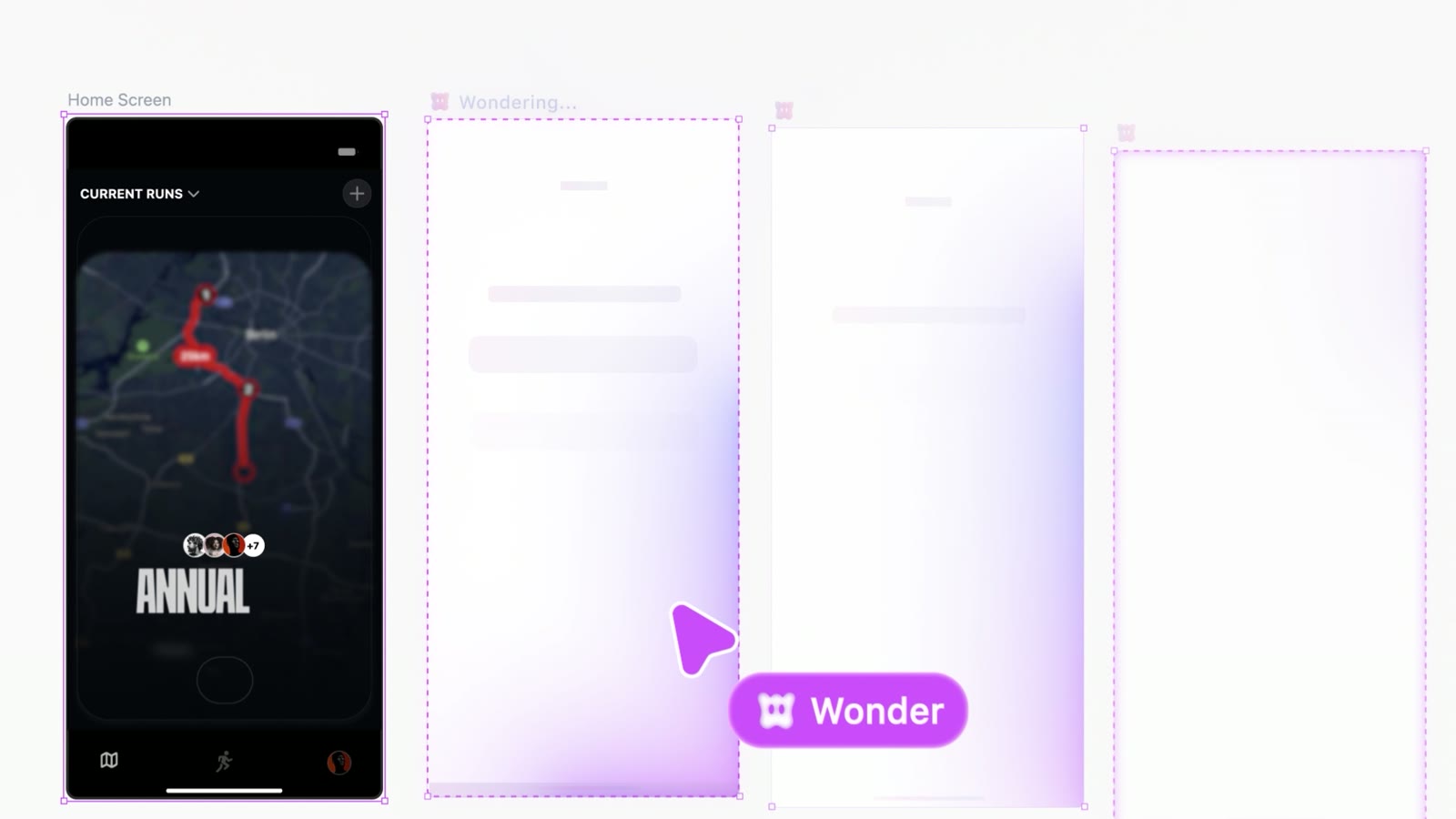
  2. “Wondering…”
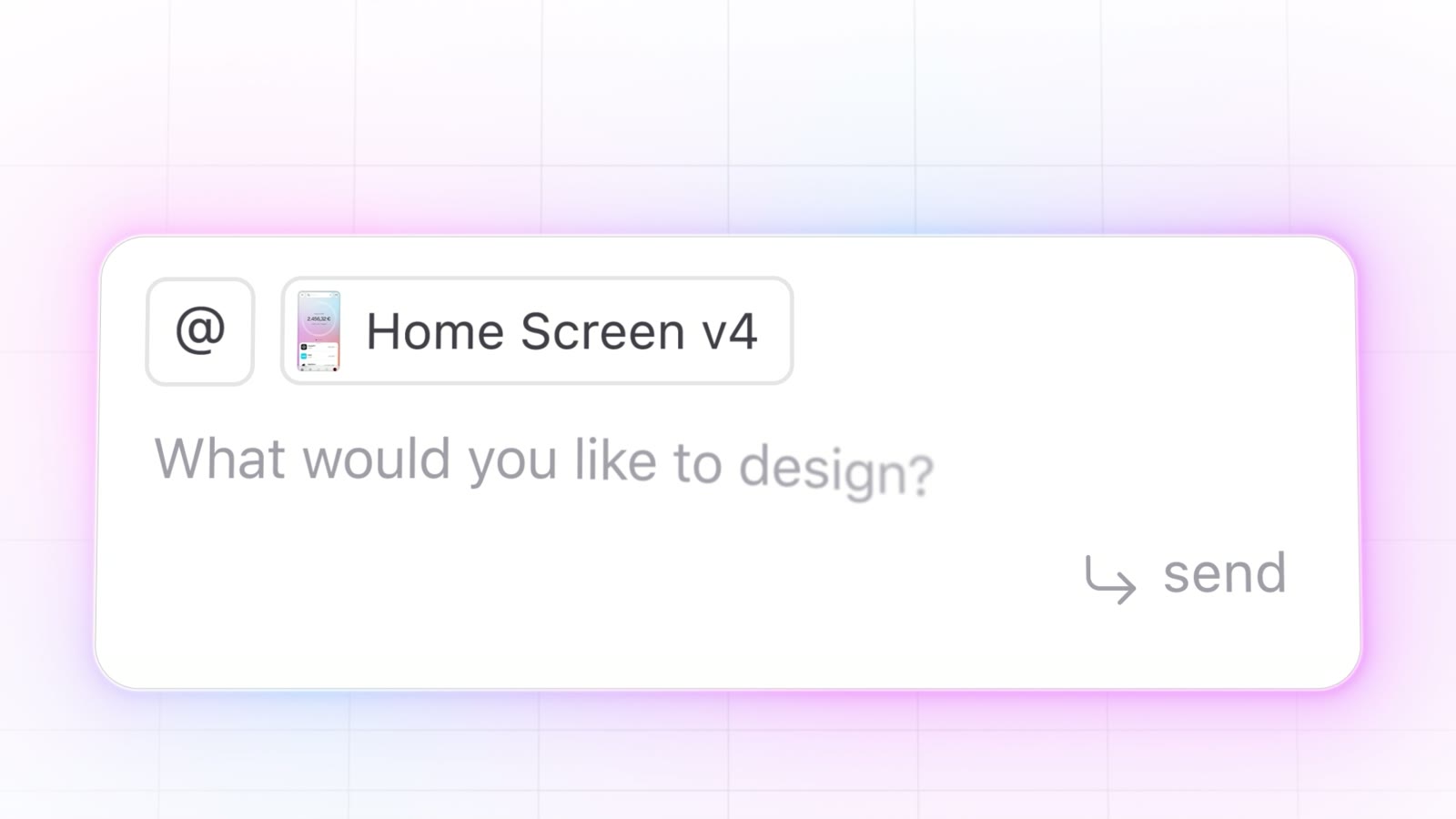
  3. “What would you like to design?”
  4. “@Wonder build components from this design”
  5. “It’s time to wonder.”
02

A white canvas, and one violet hand.

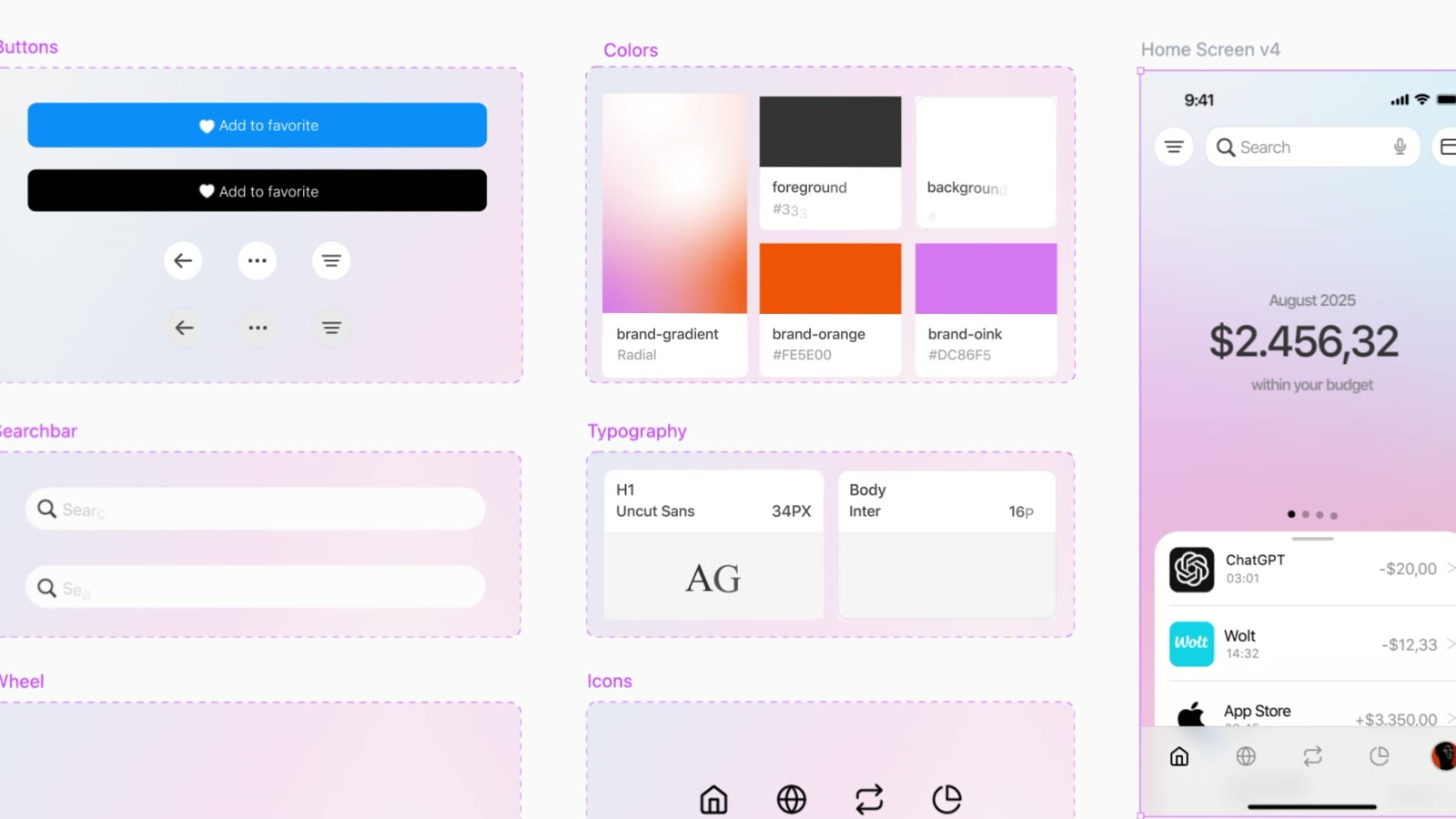
The interface lives on white and near-black. Violet belongs to Wonder alone — the cursor, selections, the mention — with a soft pink haze around anything the AI is making.

Canvas#fcfcfdThe design canvas
Ink#171a1eDark screens and text
Lilac haze#f3ebf5The AI’s glow
Pink haze#e0c1d5Generating states
Wonder violet#c43cf8Cursor, selections, @Wonder
Orange#e66d43A warm note in the generated designs
03

Real interface, set in motion.

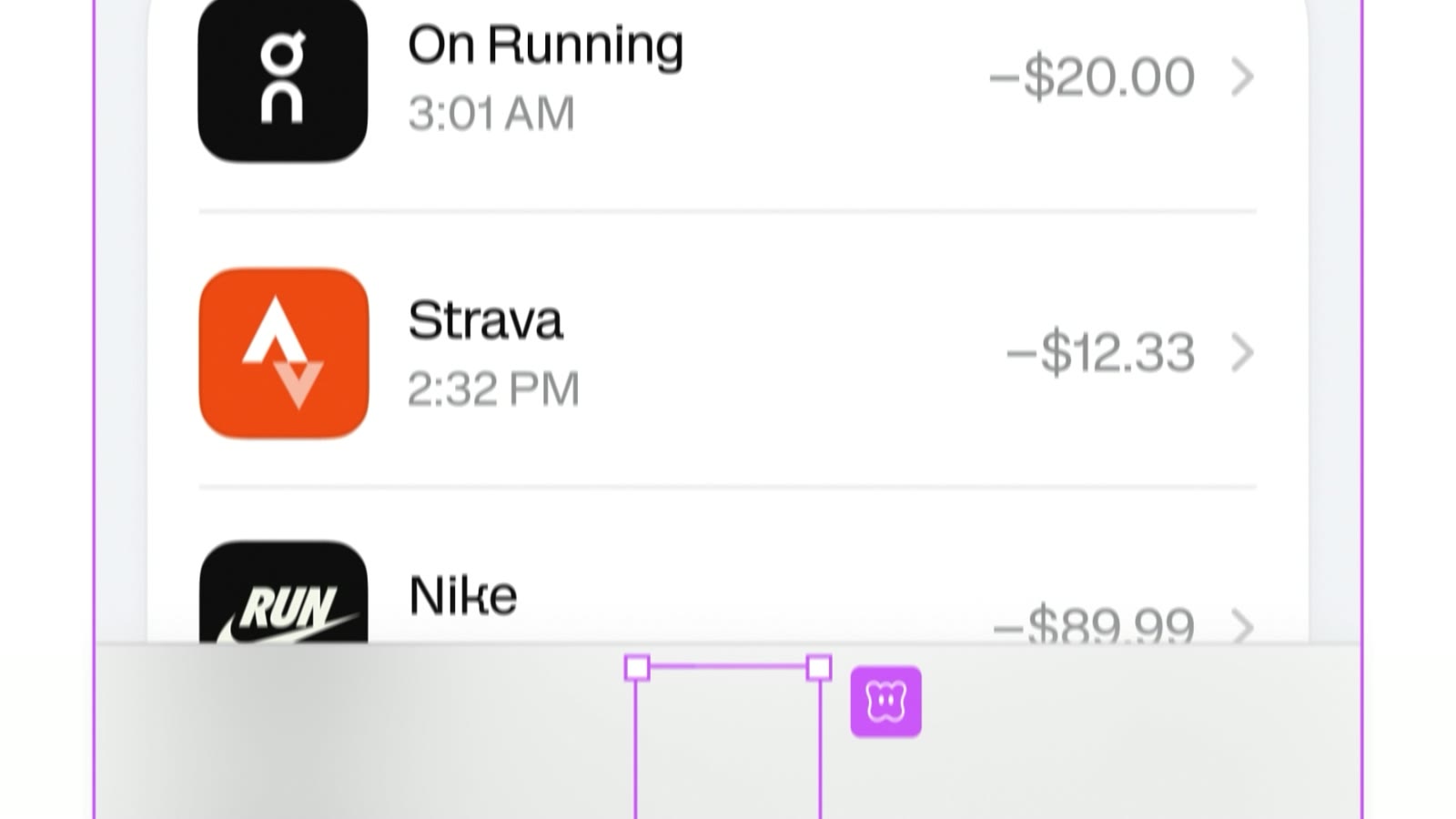
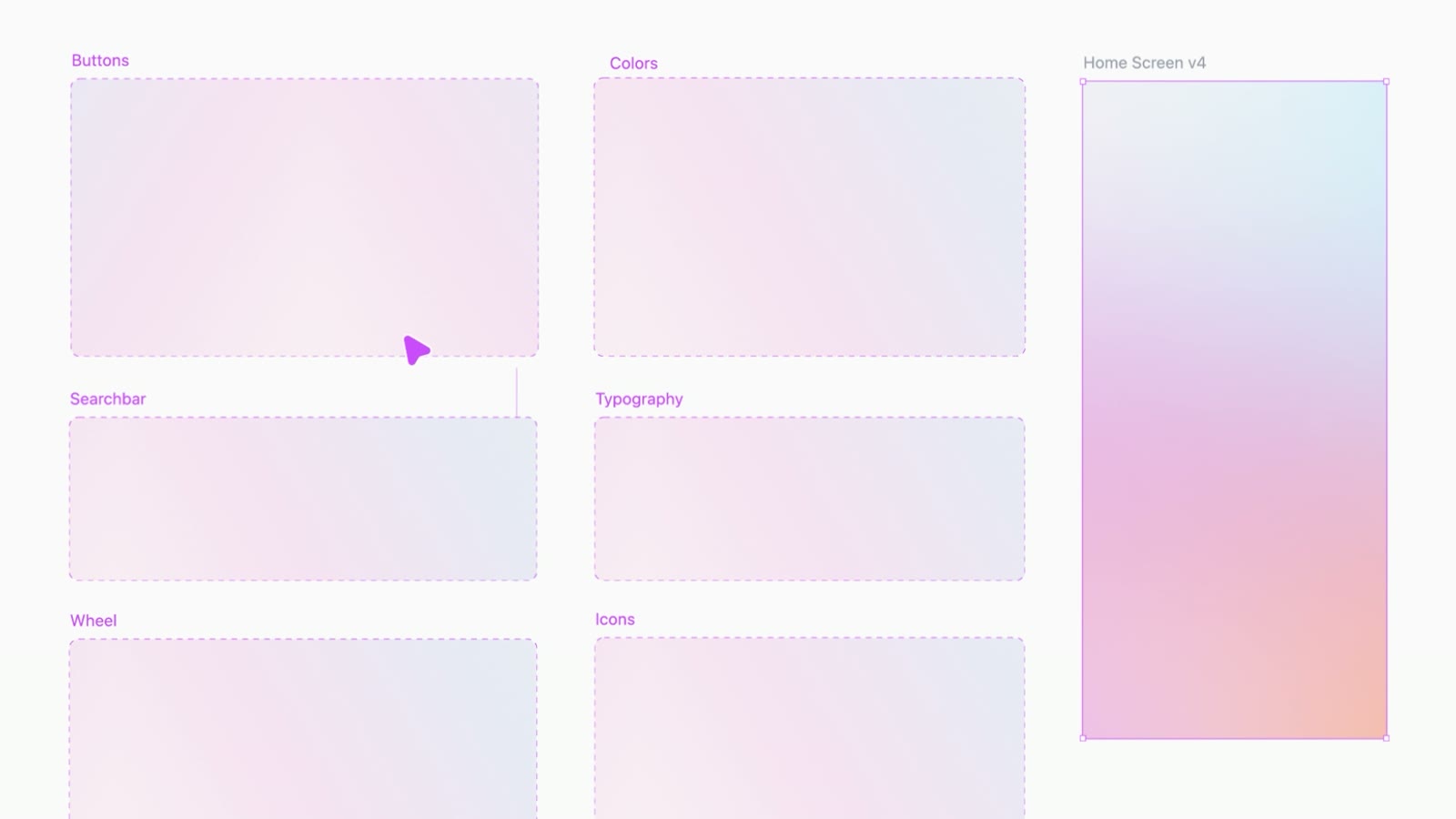
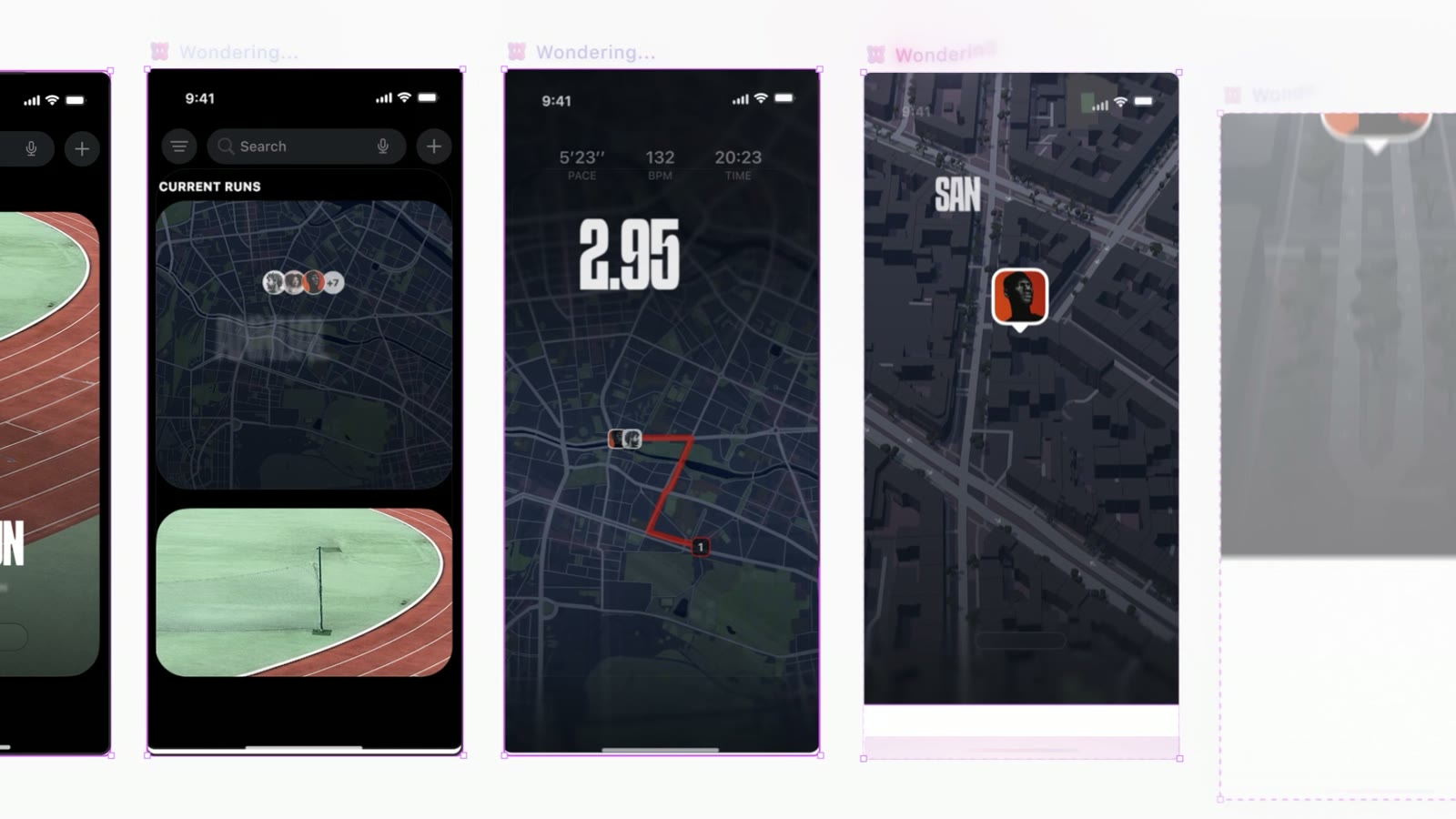
Running screens, a payments list, the properties panel, the design system — all animated inside one canvas.
The path
The path
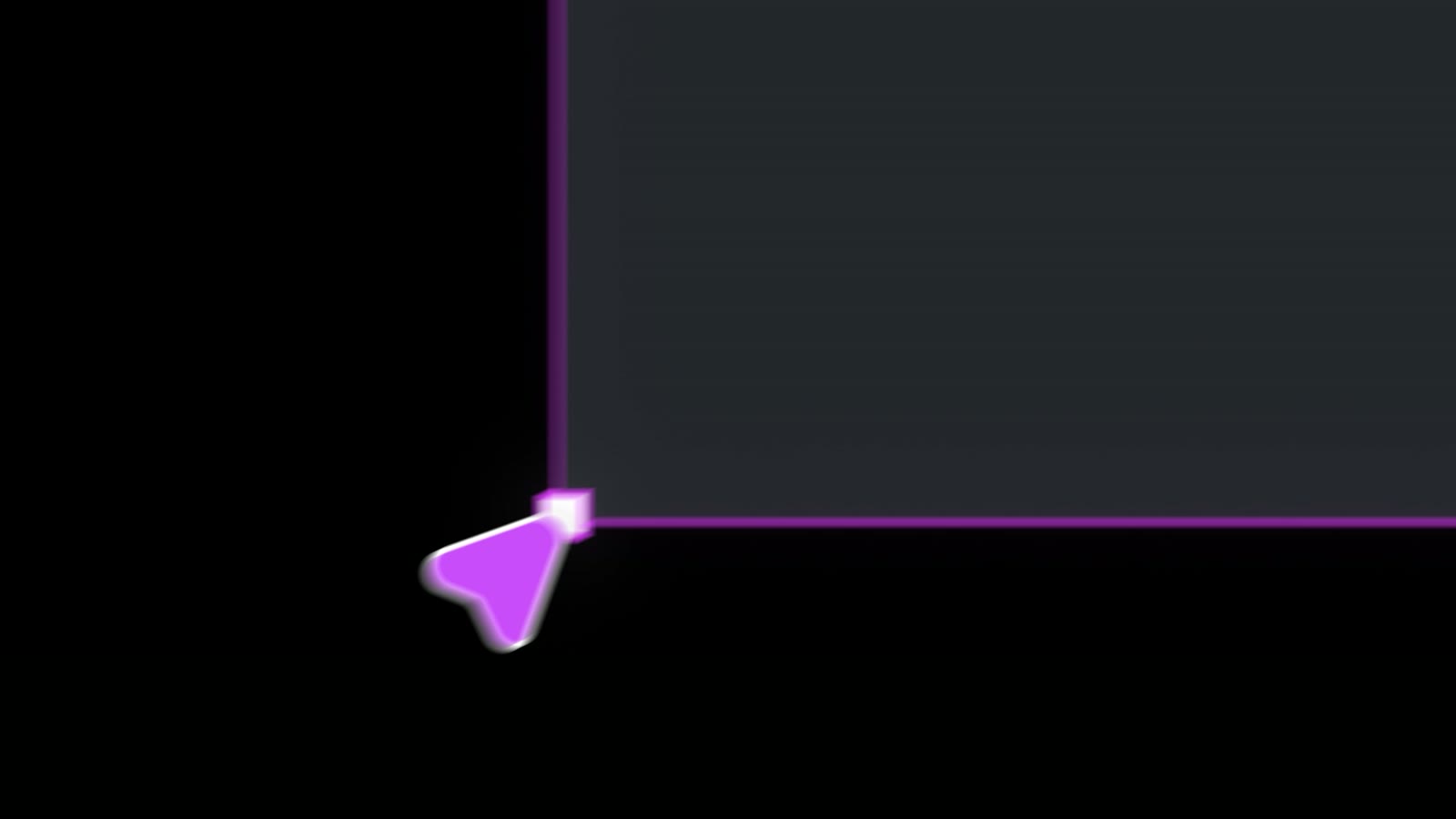
Selecting a frame
Selecting a frame
Screens being generated
Payments list
Payments list
Properties panel
Properties panel
Gradient fill
Gradient fill
Components
Components
Design system
Design system
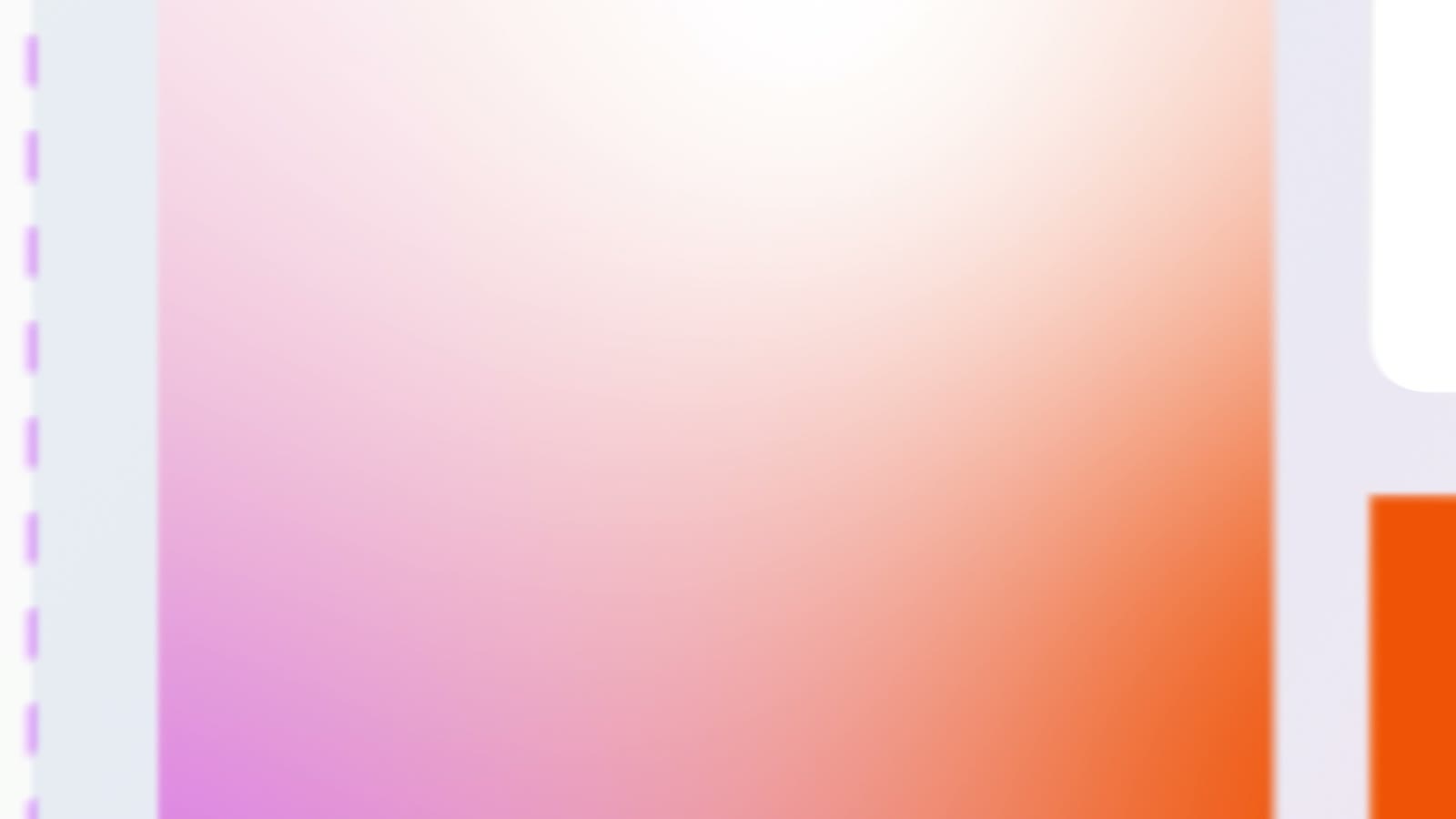
The closing gradient
04

Four frames that carry the film.

What each of them had to do.
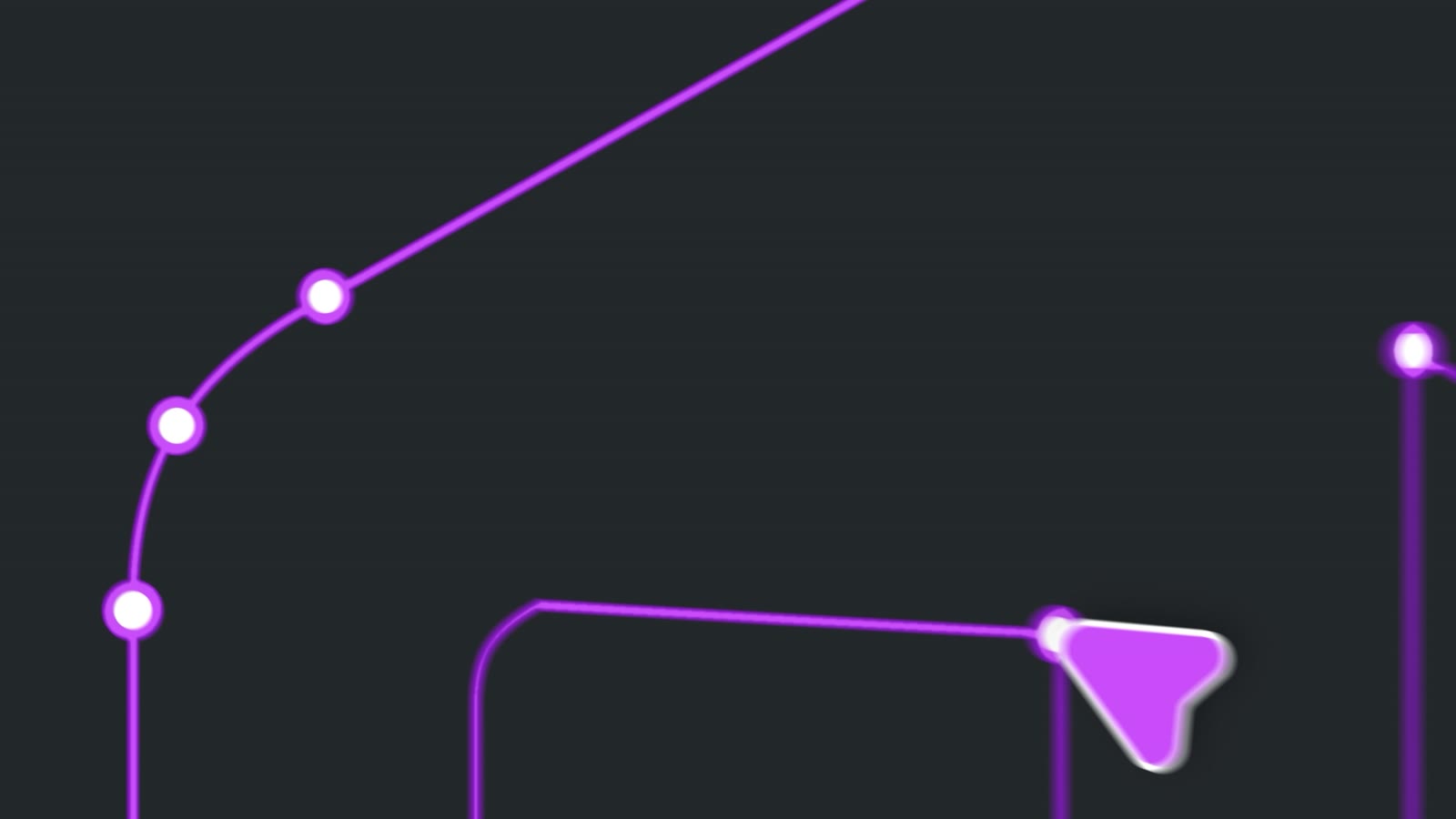
A line with intent
A line with intentThe film opens on the cursor drawing a path — the tool introduced by its gesture.
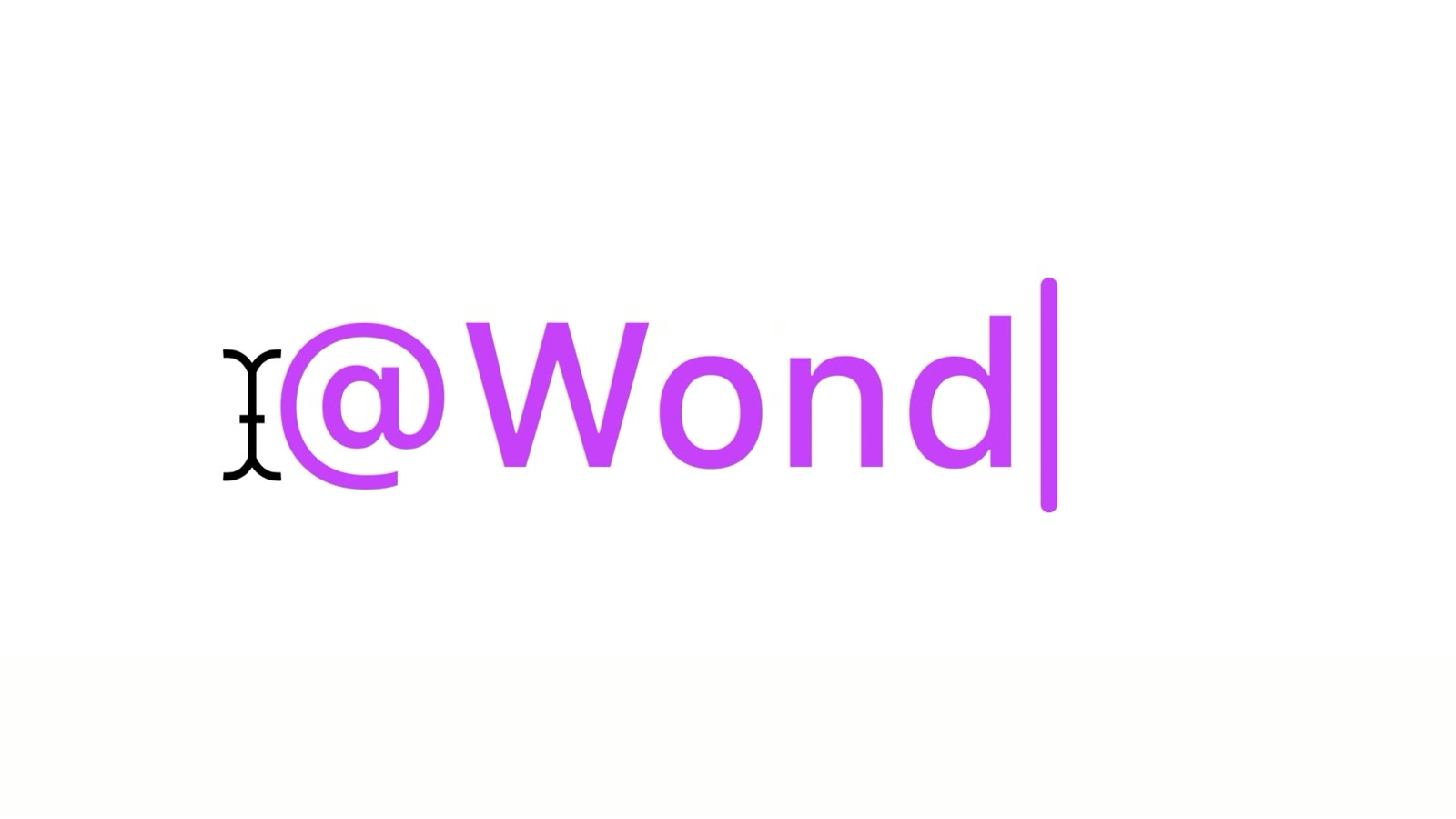
Calling @Wonder
Calling @WonderTyping the mention is the moment the AI enters the canvas.
Screens appear
Screens appearFrom one prompt, a row of app screens fills the canvas.
Ask in plain words
Ask in plain wordsThe prompt box in close-up: “What would you like to design?”
05

Selections and typing move the film.

Cuts happen on what a designer actually does — select, drag, type — so the film feels like working in the tool.

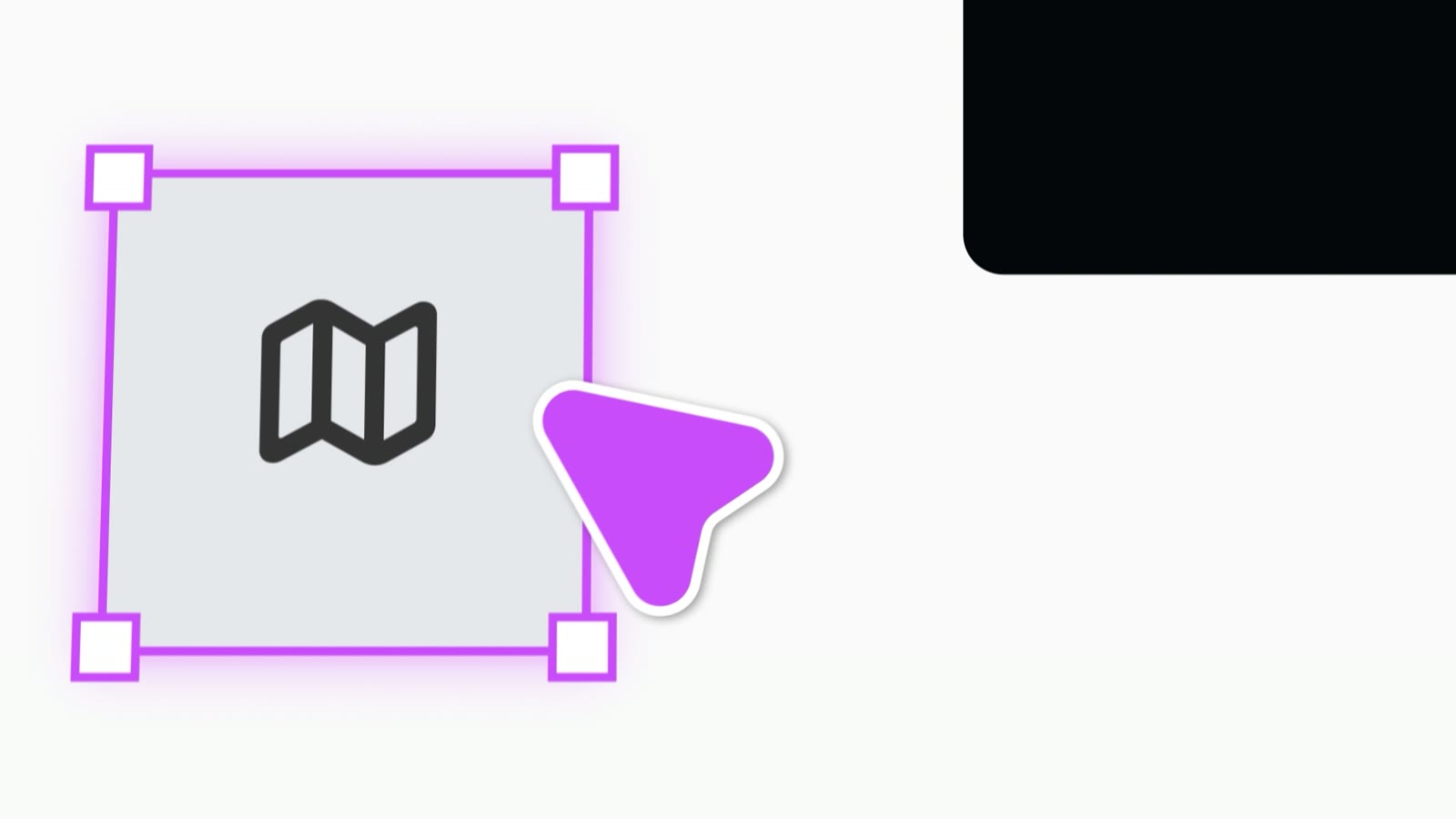
Type into a frameBold running-app type scrolls past and the cursor snaps a selection around the map icon.
Drag, then typeThe cursor drags a phone frame into place, then the text cursor appears and types “@Wonder”.
Wondering…The prompt fades into a dashed selection line, and a soft “Wondering…” label rises with the logo.
Prompt to componentsThe request to build components is sent and dissolves into the same glow before the design system appears.

Credits

  • Mikhail Zeynalov: 3D motion designer
Want one like this? Email me