Engineered around the human hand — not the other way around.
MX Master 4 was engineered around the human hand, and that became the core idea of the film. The hand comes first — as a silhouette, a scan, a cloud of points — and the mouse is cut against it until the whole shape lands with the logo.
My role: 3D motion designer
The mouse was built around the hand, so the film starts with it.
There are no words in the film. It is told in two threads that keep cutting into each other: the hand, and the parts of the mouse it will touch — the shell, the thumb rest, the wheel, the side buttons. At the end they meet in one shot.
The hand as an engineering reference.
We mapped the hand as an engineering reference — every overlay, coordinate and trace line reflects the actual logic behind the grip design.
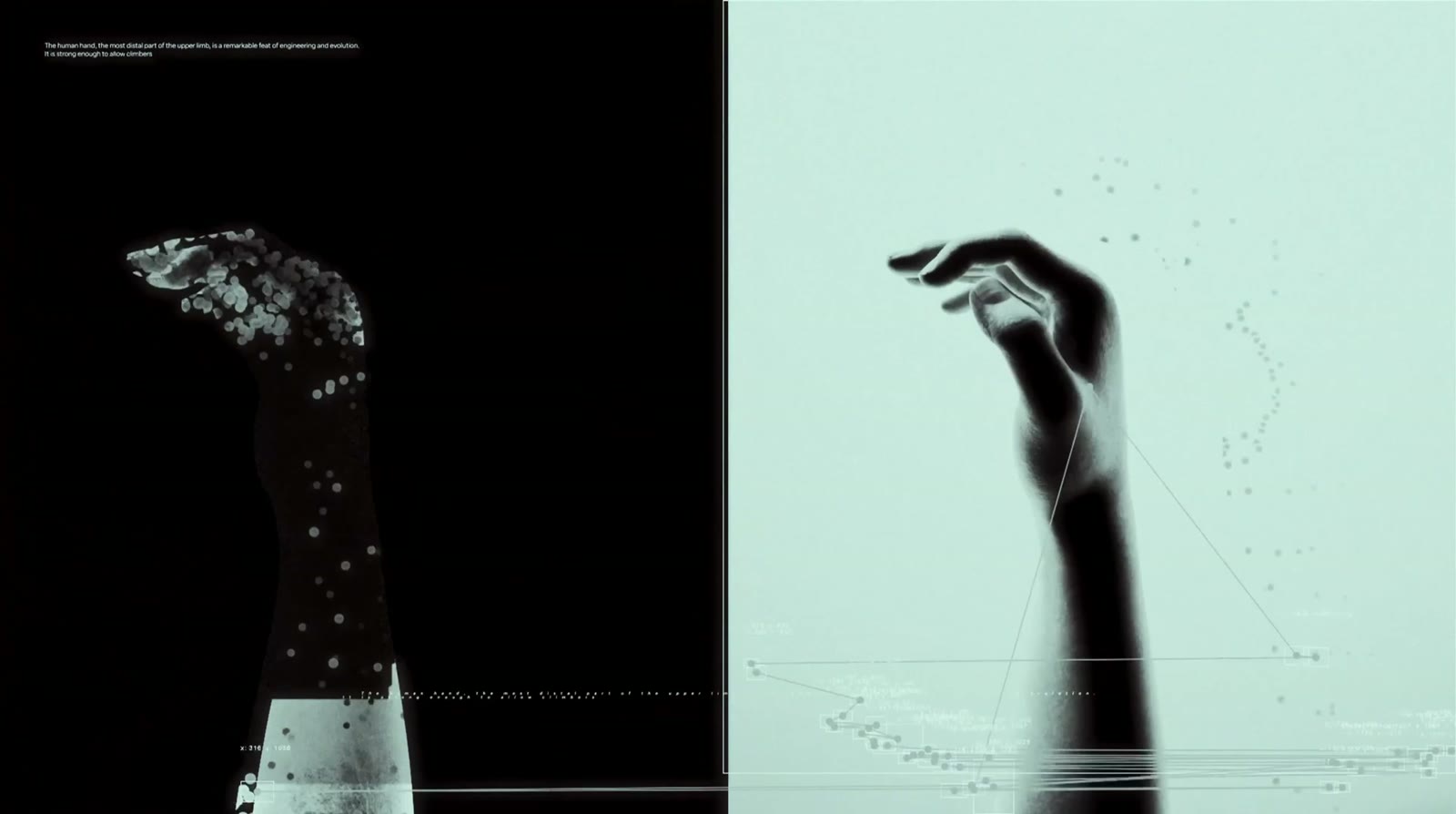
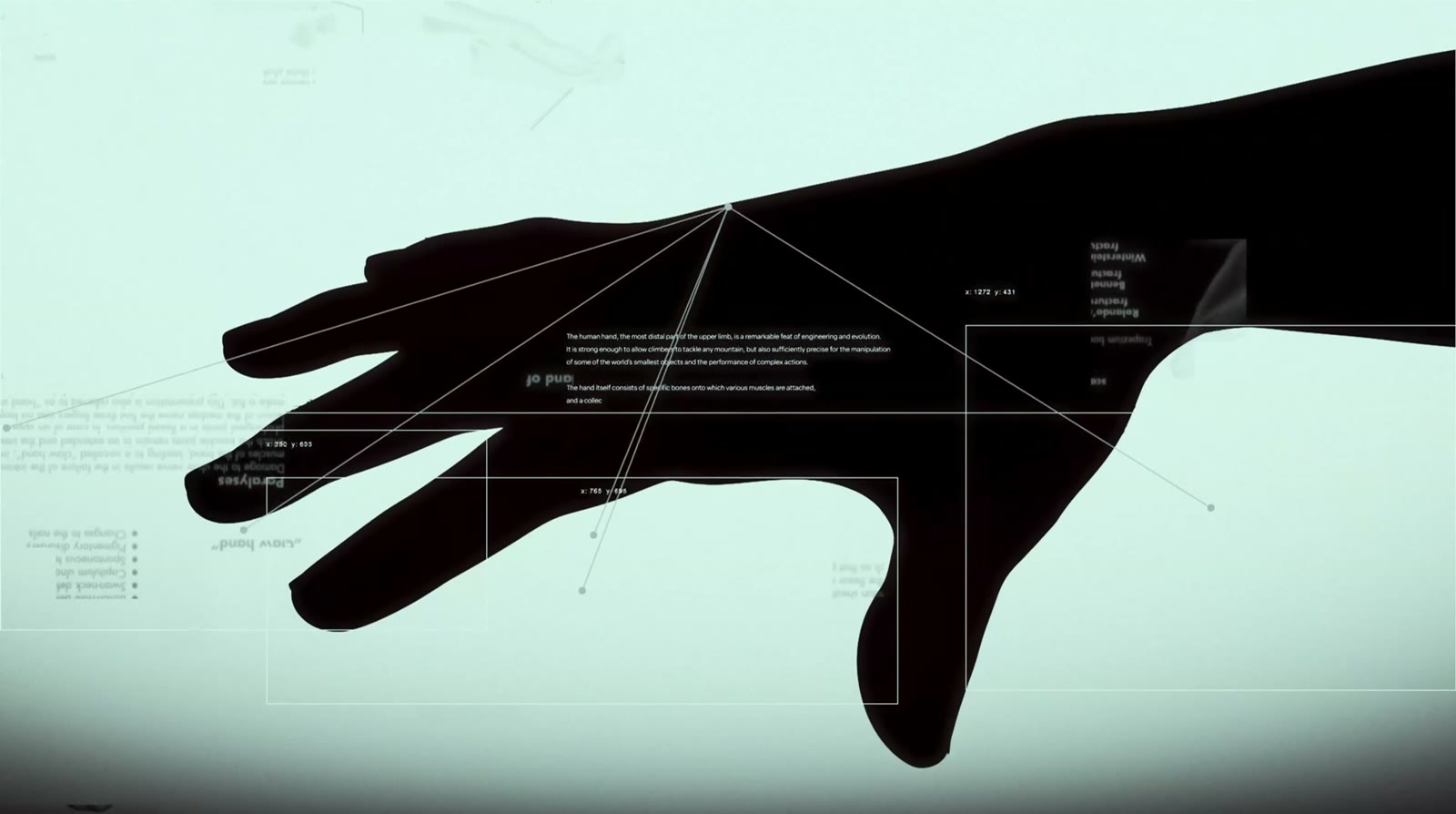
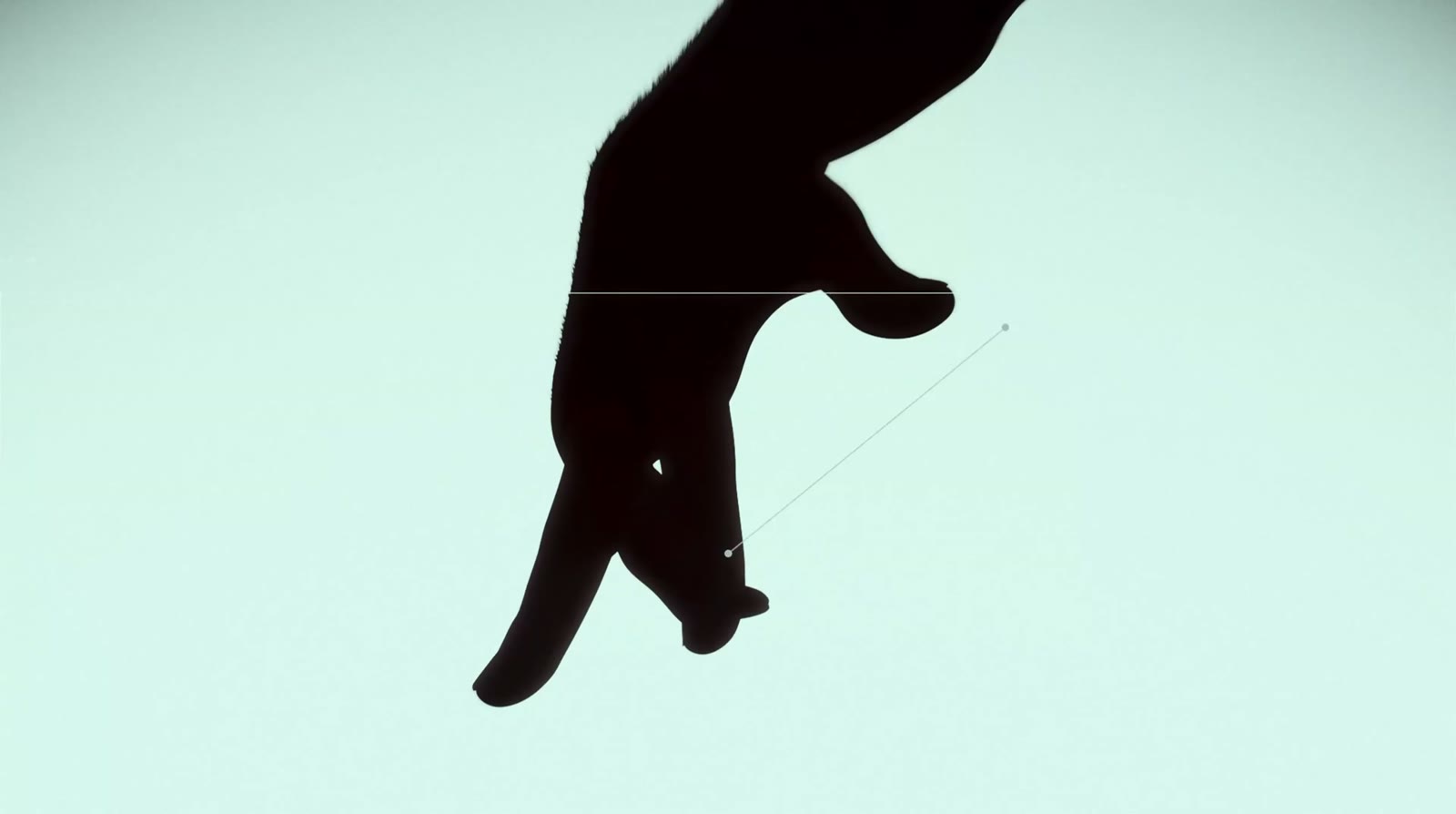
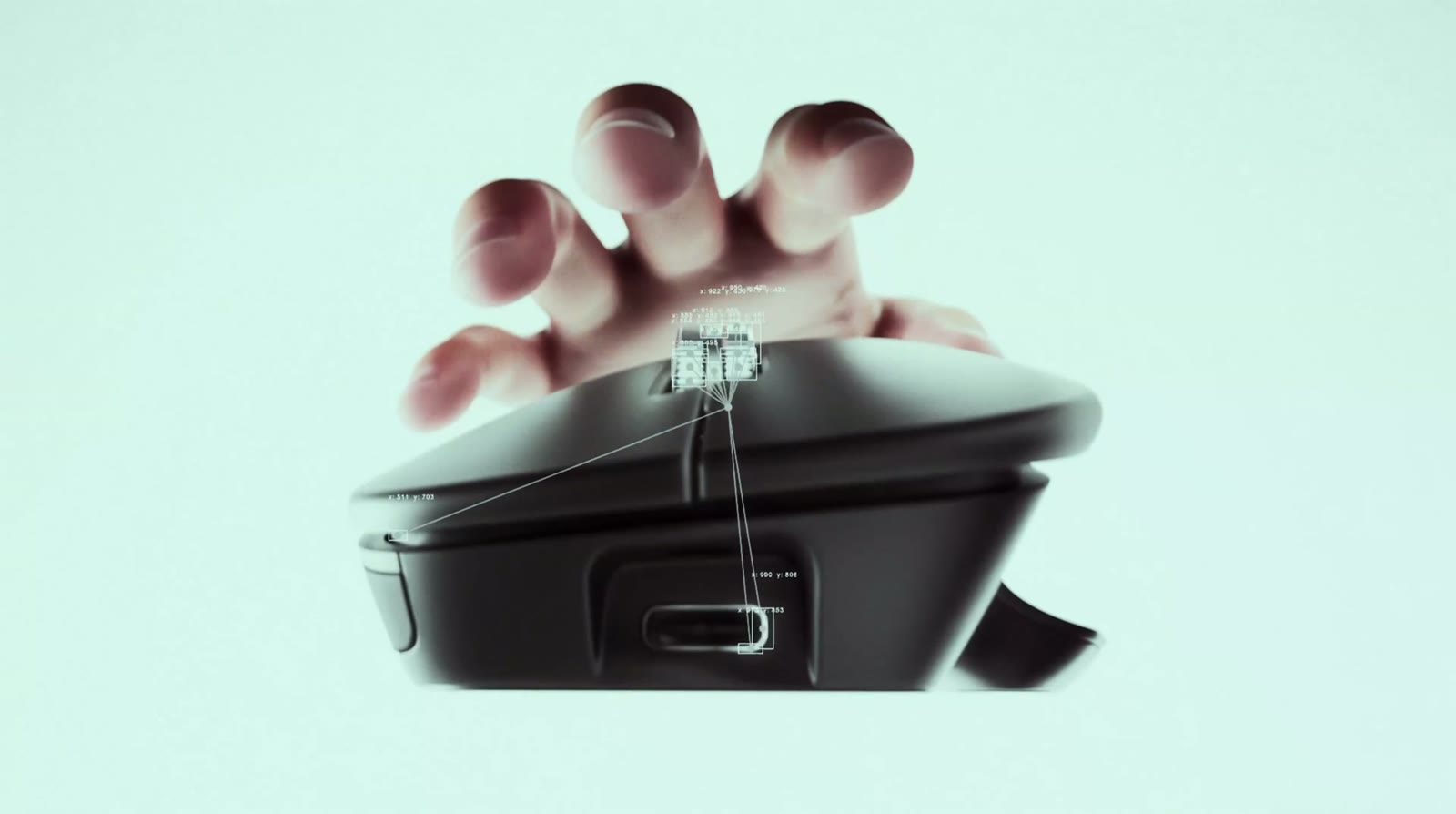
How it’s lit, and how it’s framed.
The whole shot list came down to two things: how it’s lit and how it’s framed. Hard contrast, deep negative space, the form defined by the light.
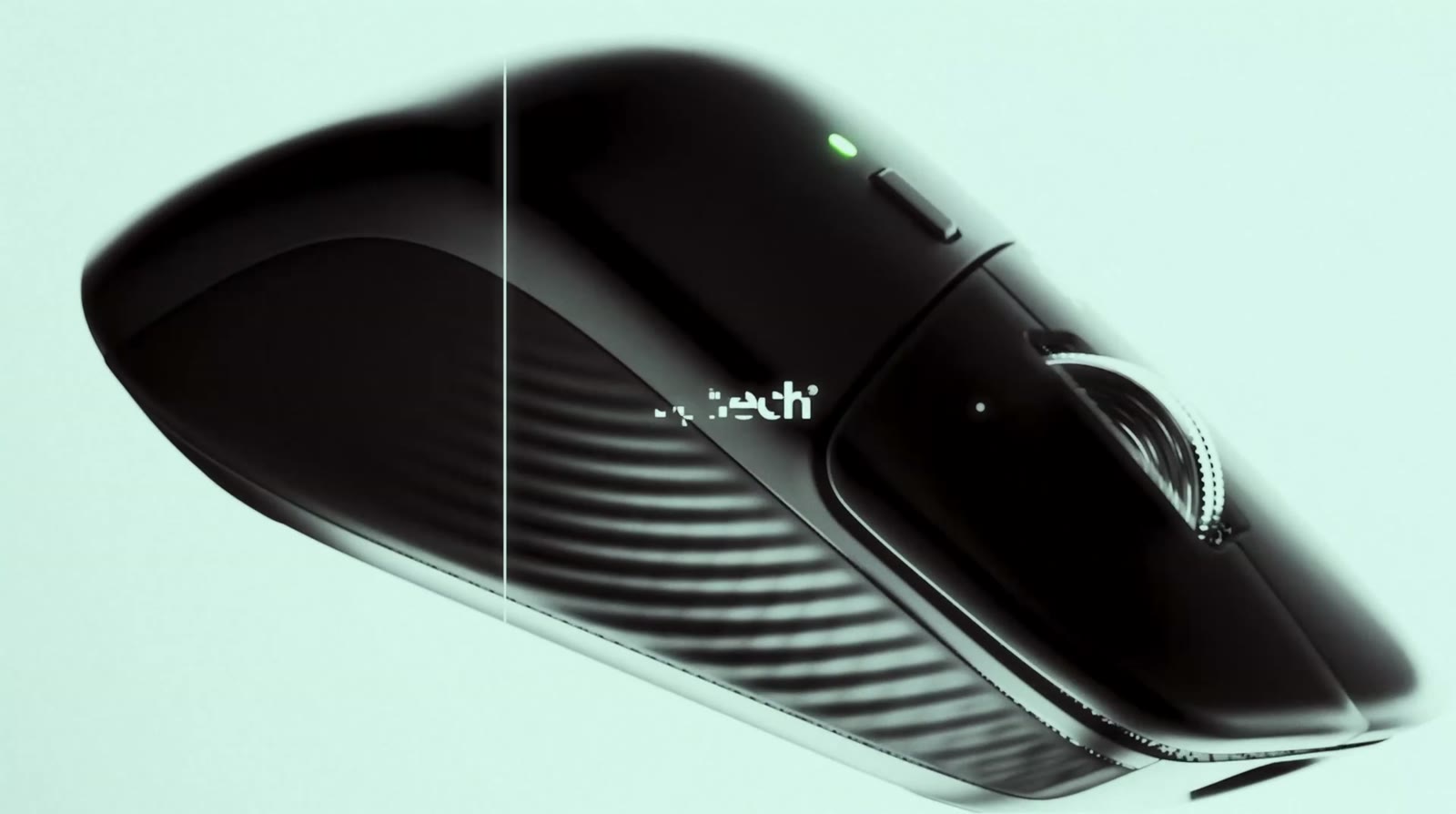
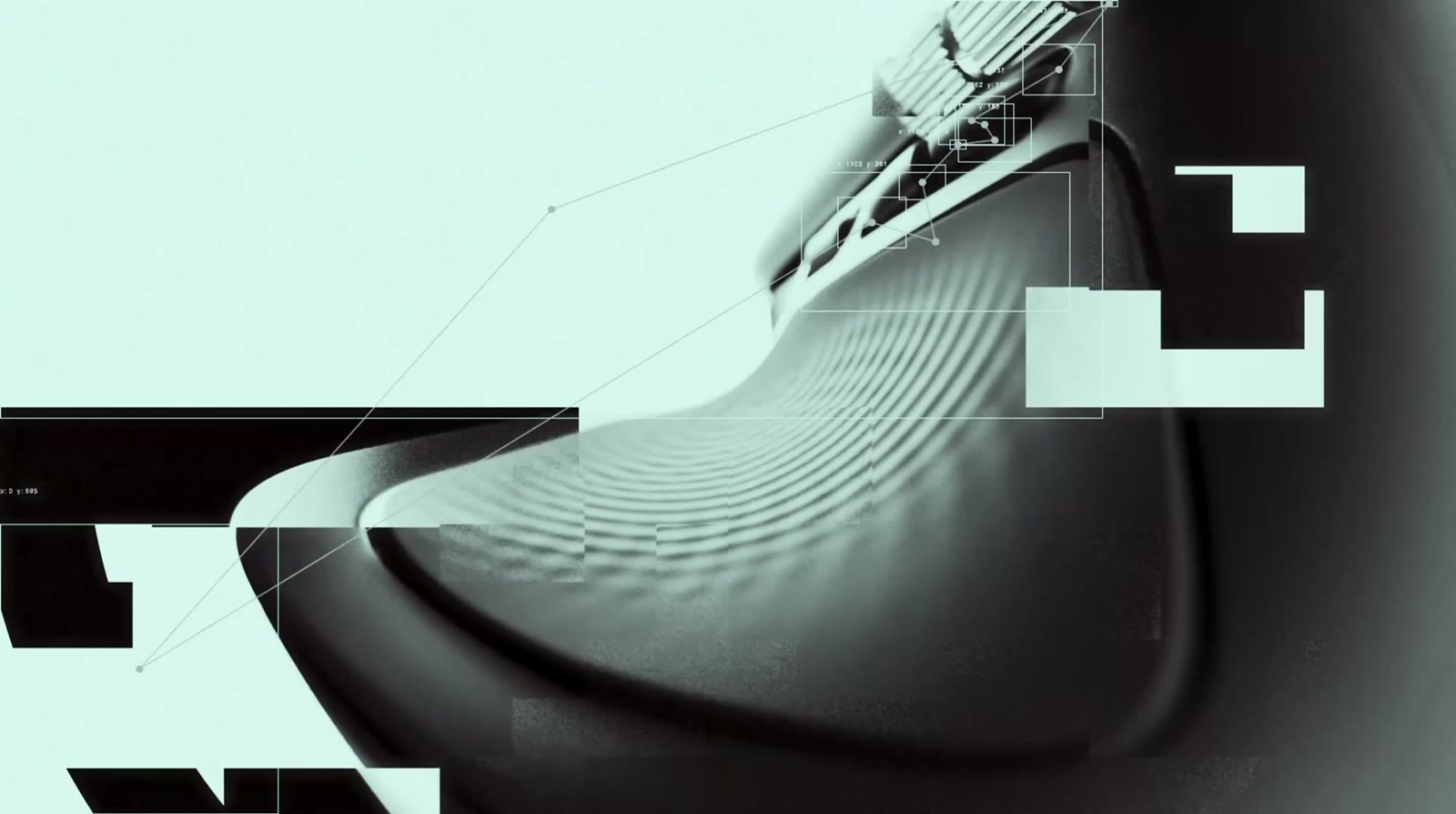
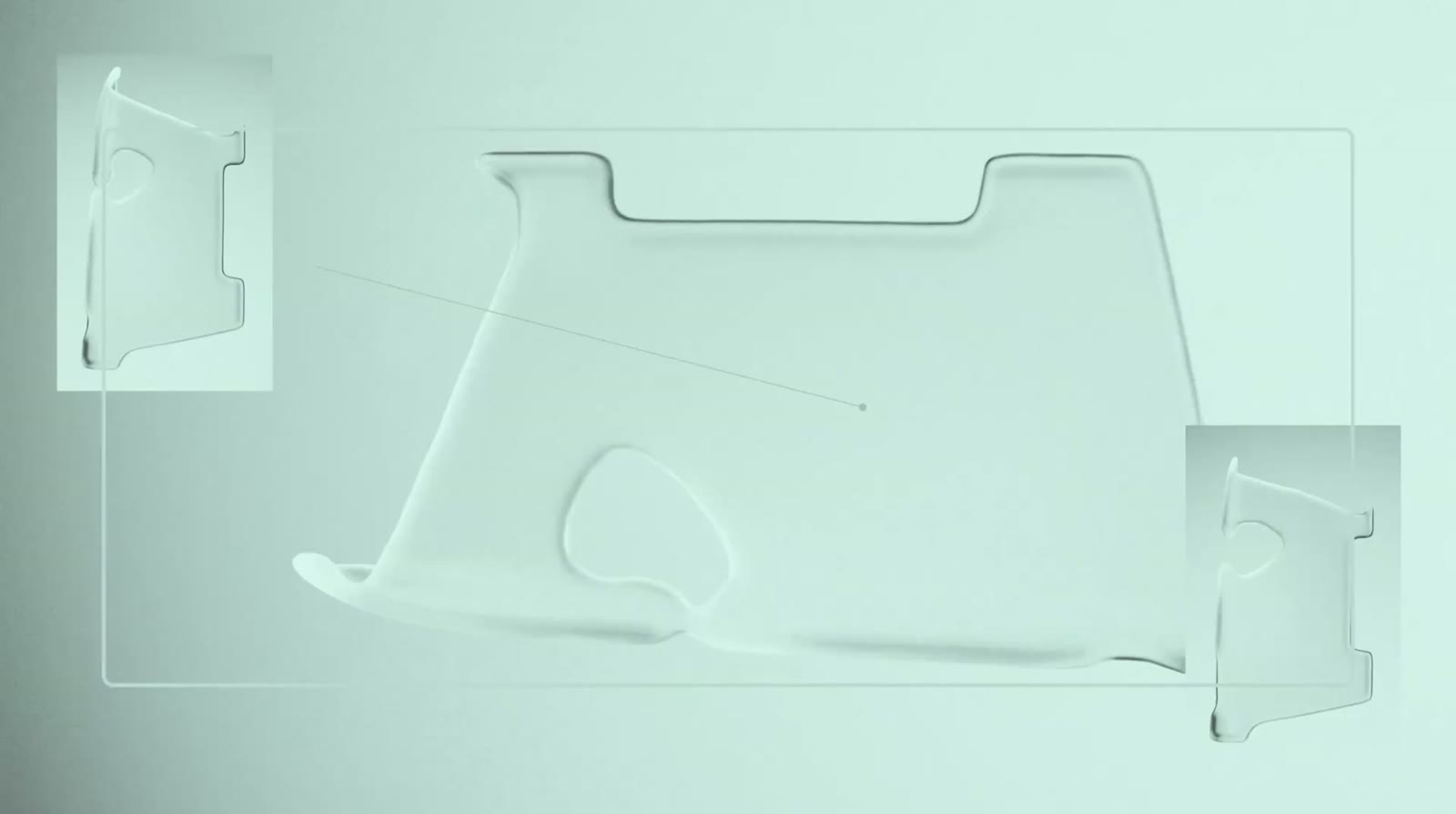
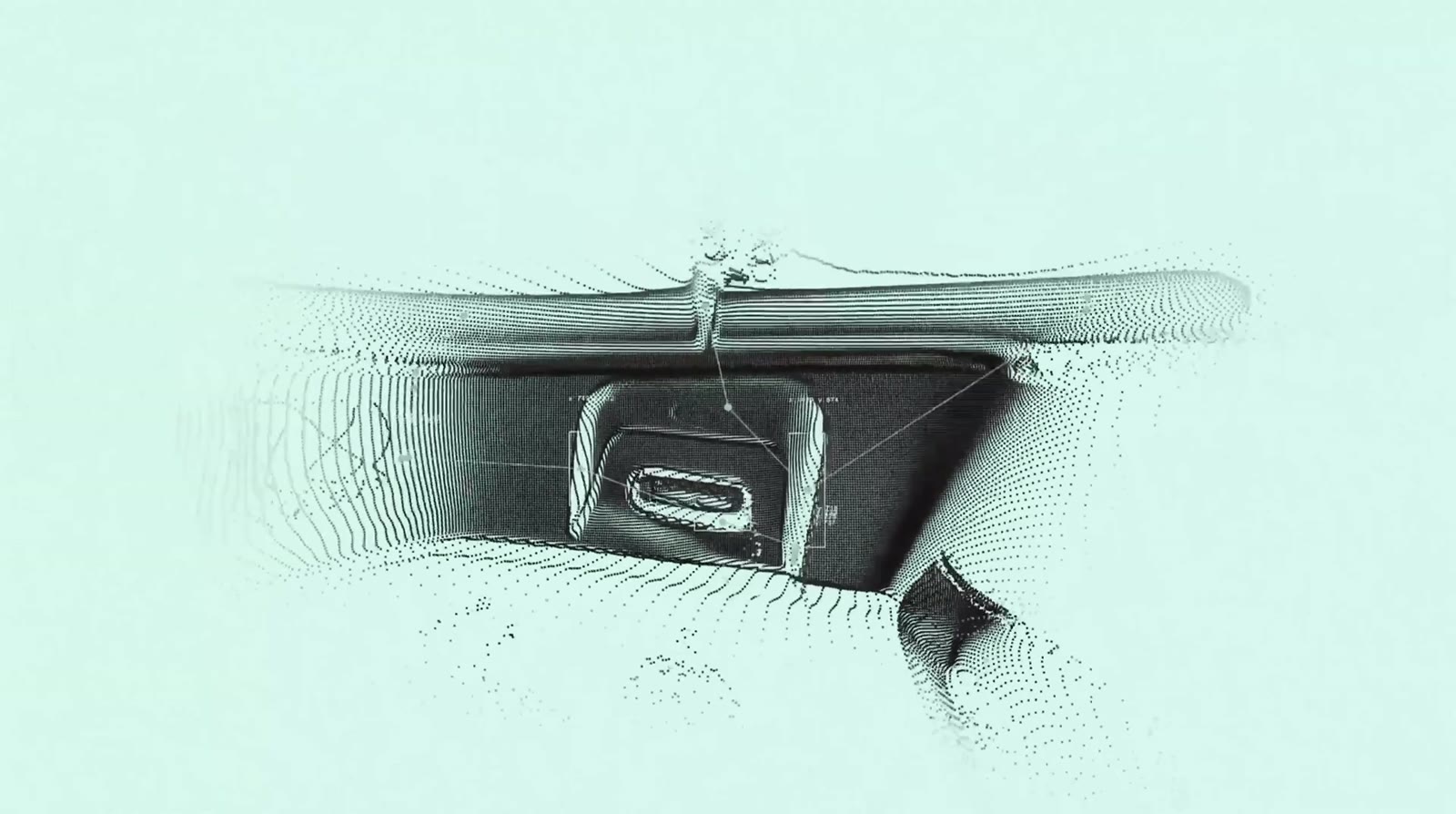
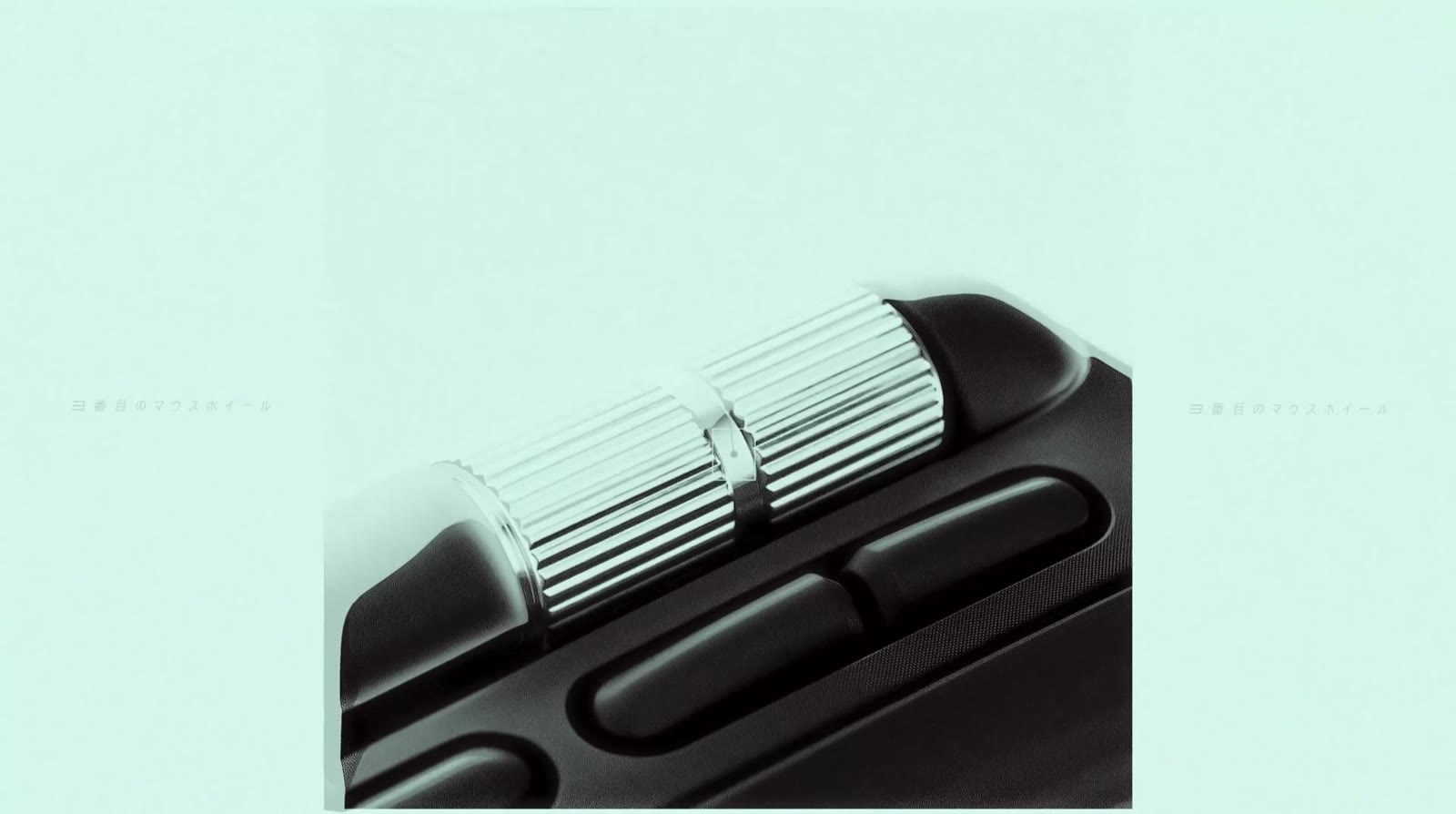
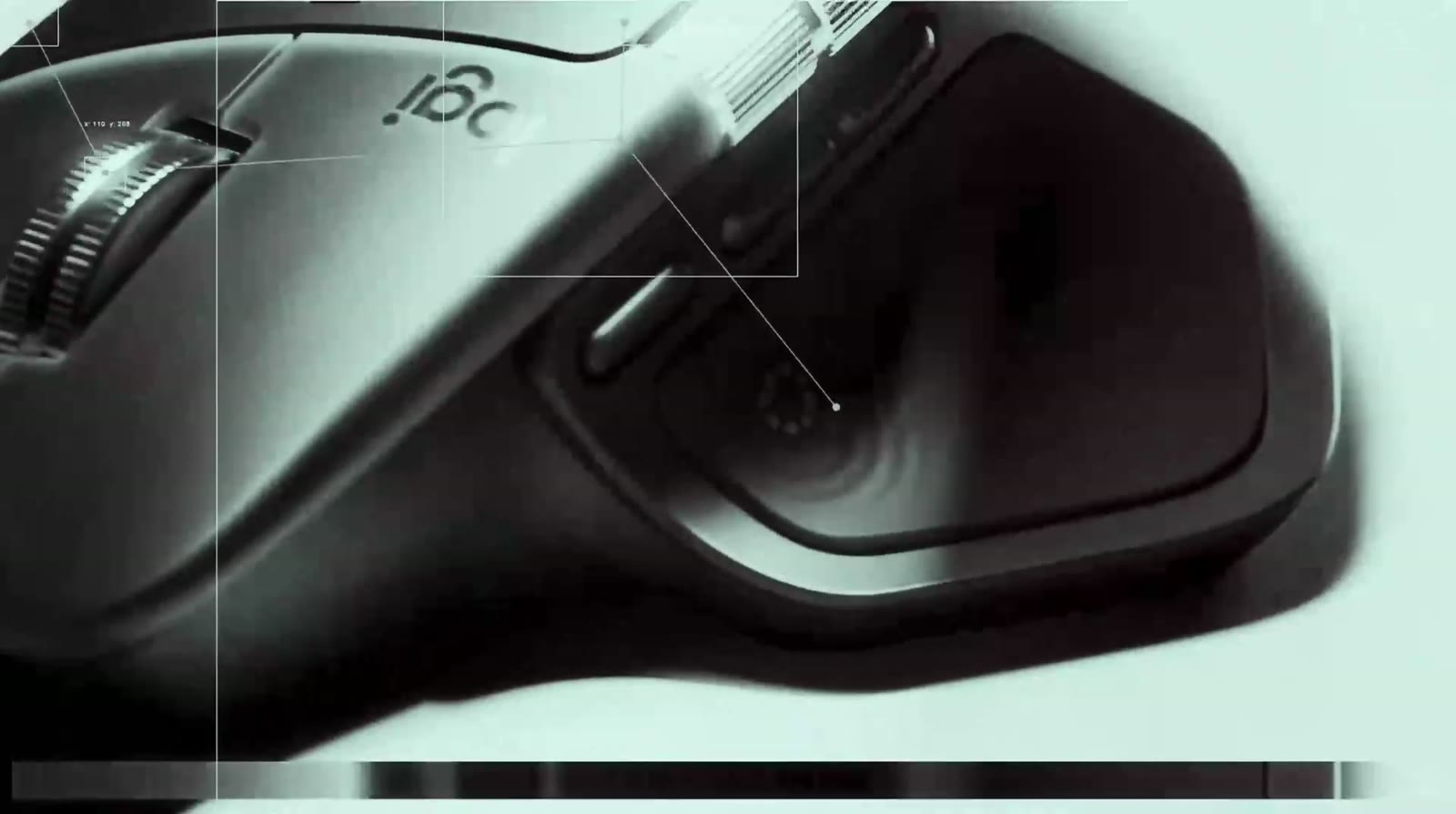
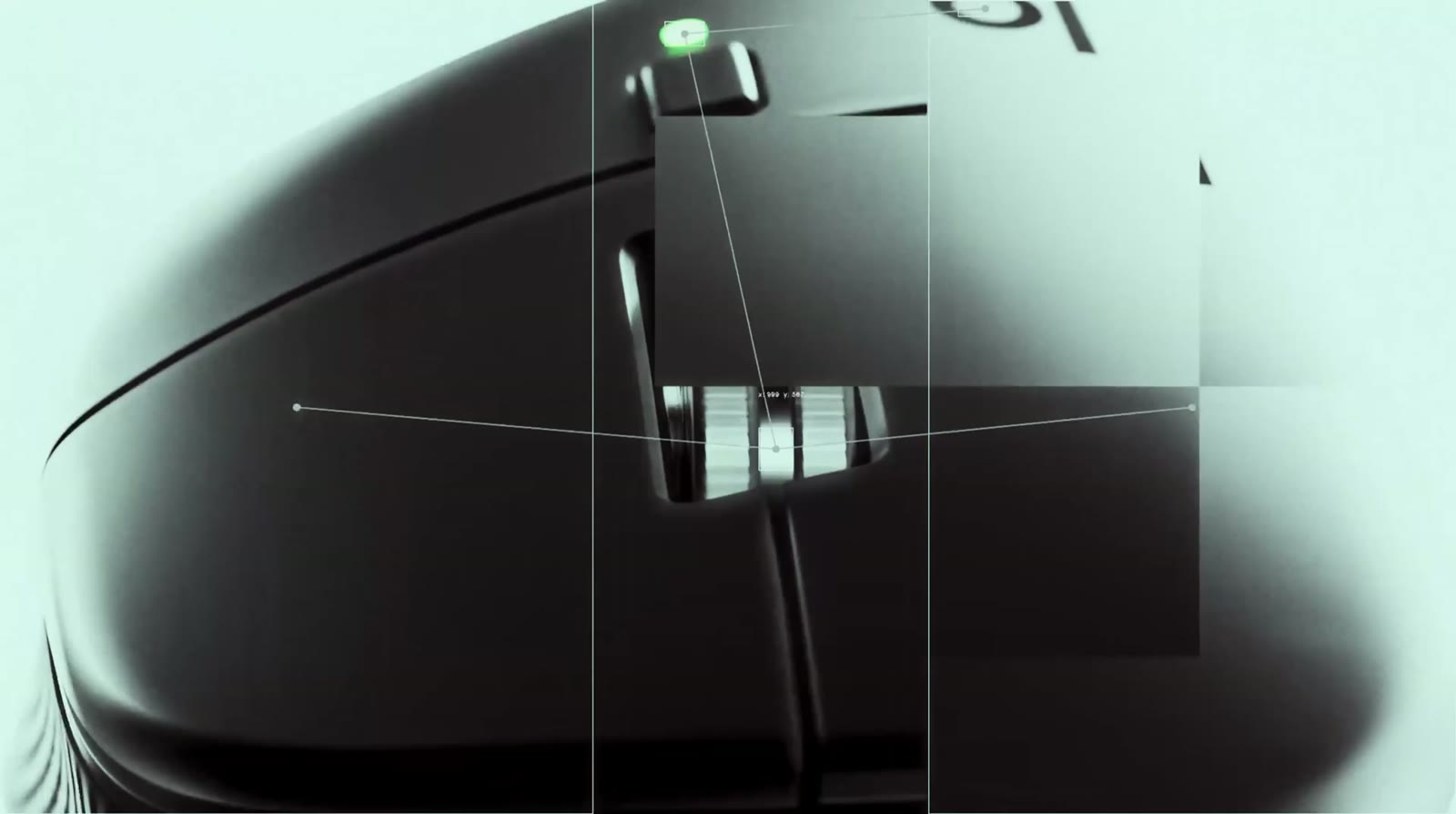
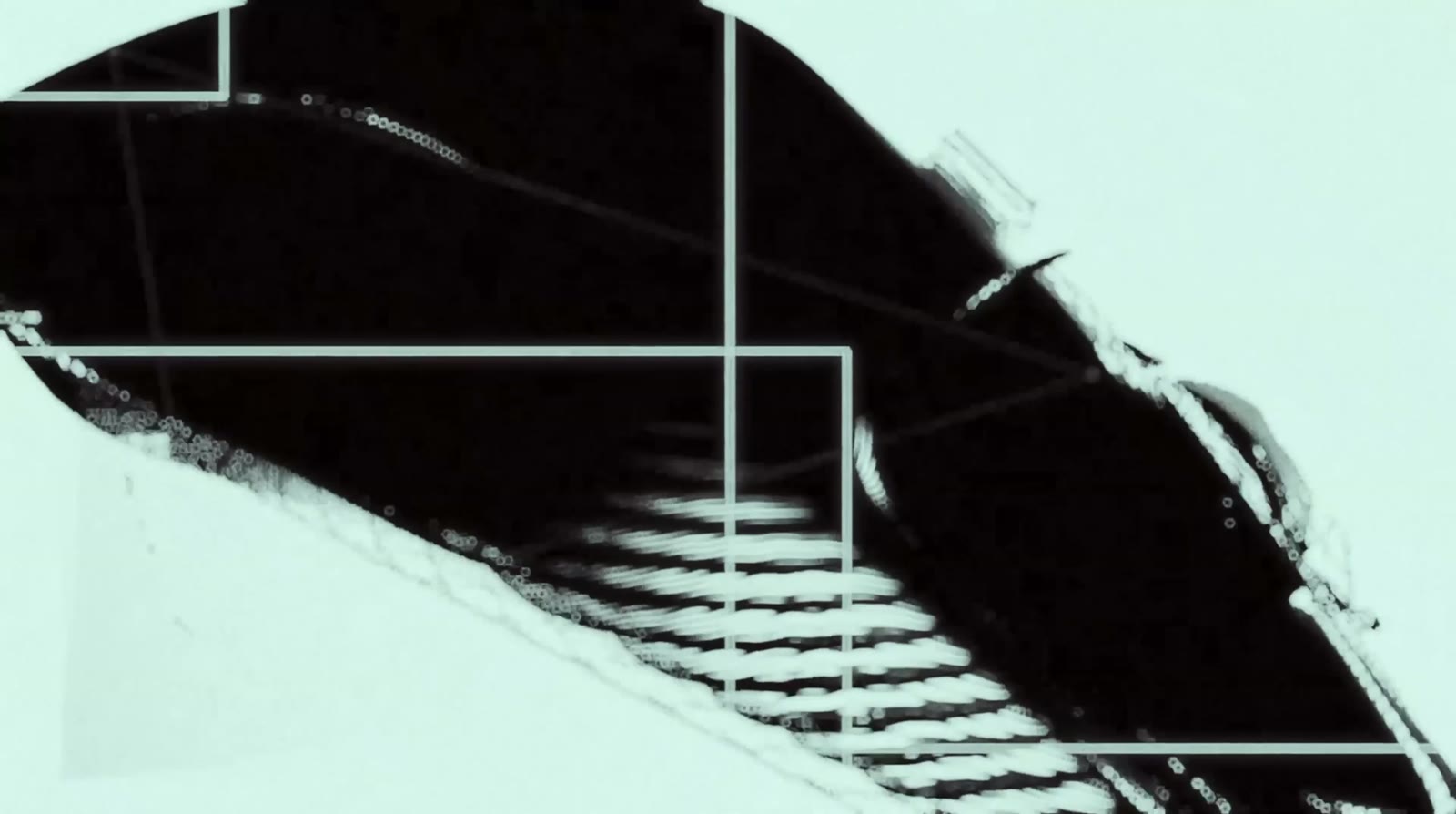
One cold mint world, and nothing warm but skin.
The film lives in a single duotone — pale mint light and deep black. The only warm colour is the skin of the hand, so the eye always goes to where the hand meets the mouse. These are the film’s own colours, not Logitech’s brand palette.
#d2f1ecThe light: the world the film lives in#a8cac4Mid-tones on every surface#6e8784Falloff and depth#313232The mouse’s body#030101Silhouettes and hard cuts#653434The hand — the only warm noteFrames that feel handled, not rendered.
A lot of time went into testing scenes, angles and lighting setups before locking the final direction. In a few moments the camera leans into a rarely seen style — subtle shake, sharp zoom-ins and pull-backs, like an operator adjusting focus mid-shot. These are the cuts between them.
Music and sound effects, built as one system.
Instead of treating them as separate elements, the music and the sound design were built together: the background music acts as part of the sound effects, while glitches, impacts and frequency shifts add weight, texture and rhythm to every scene.
Credits
- Mikhail Zeynalov: 3D motion designer
- Art / creative direction: Aleksandr Grishin
- Sound design: Dmitry Antonenko