An app made in the film, and published by its end.
A launch film for Vibecode, an app that builds apps. One project goes from “New project” to “Slide to publish” — in a pair of hands, on a sunlit desk, deep inside the screens.
My role: 2D/3D motion designer
From a blank project to published.
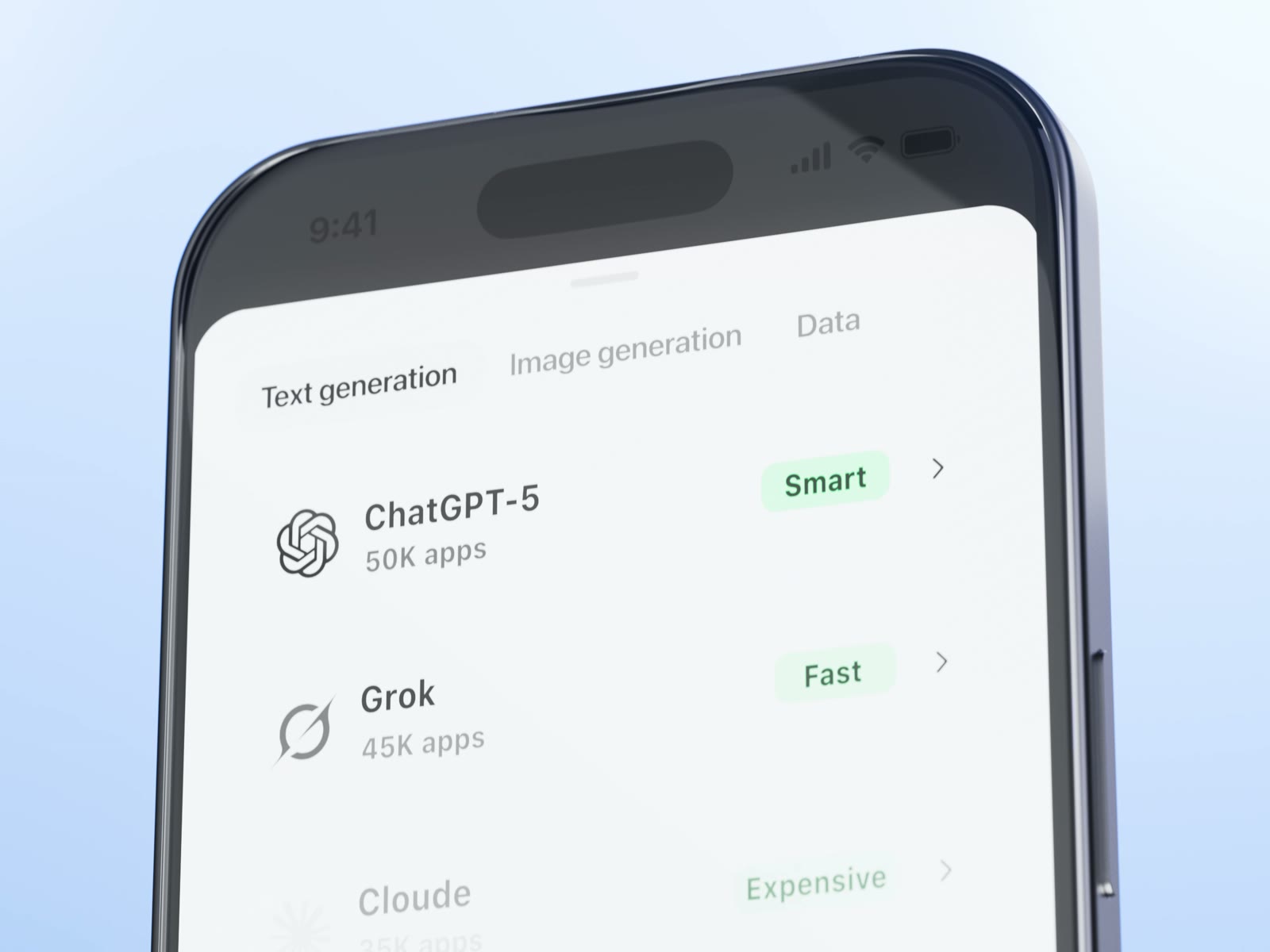
The film follows one app being made, step by step: start a project, build it, generate images and sound for it, choose a model, publish and share. These are the lines on screen.
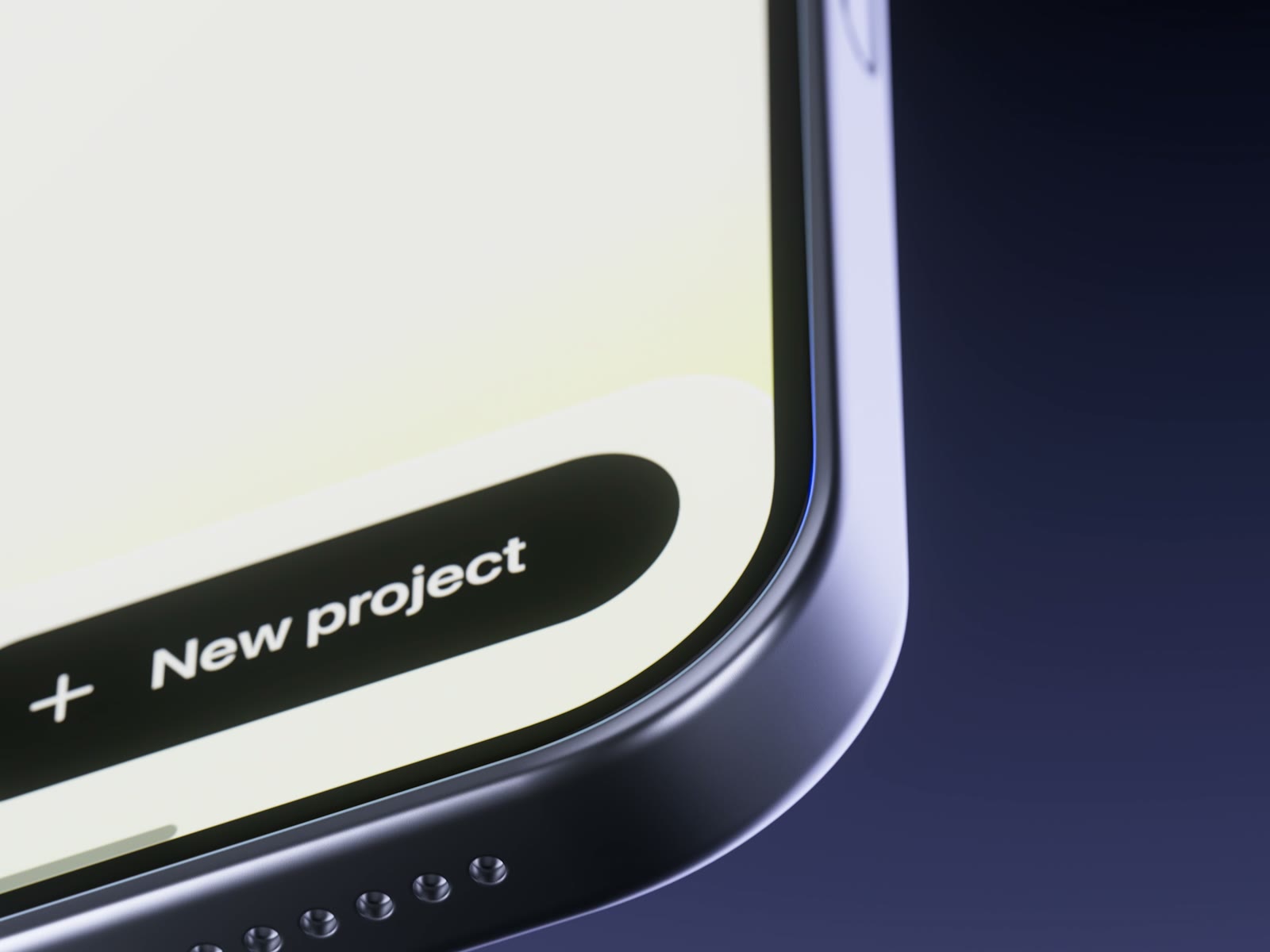
- “New project”
- “Your projects”
- “Generate image”
- “Text generation · Image generation · Data”
- “Slide to publish”
- “12 prompts since last published version”
Night, daylight, and violet for the moment that counts.
The film moves between a dark violet studio, warm afternoon light on wood and clean blue sets. The interface stays white, and violet is kept for one thing — publishing.
#19161dThe studio backdrop#383745Light along the phone’s frame#2e275fThe shadow side#eef3f6The app’s interface#d89a6fThe desk scenes#9401ecPublish — the only accentOne phone, three kinds of light.
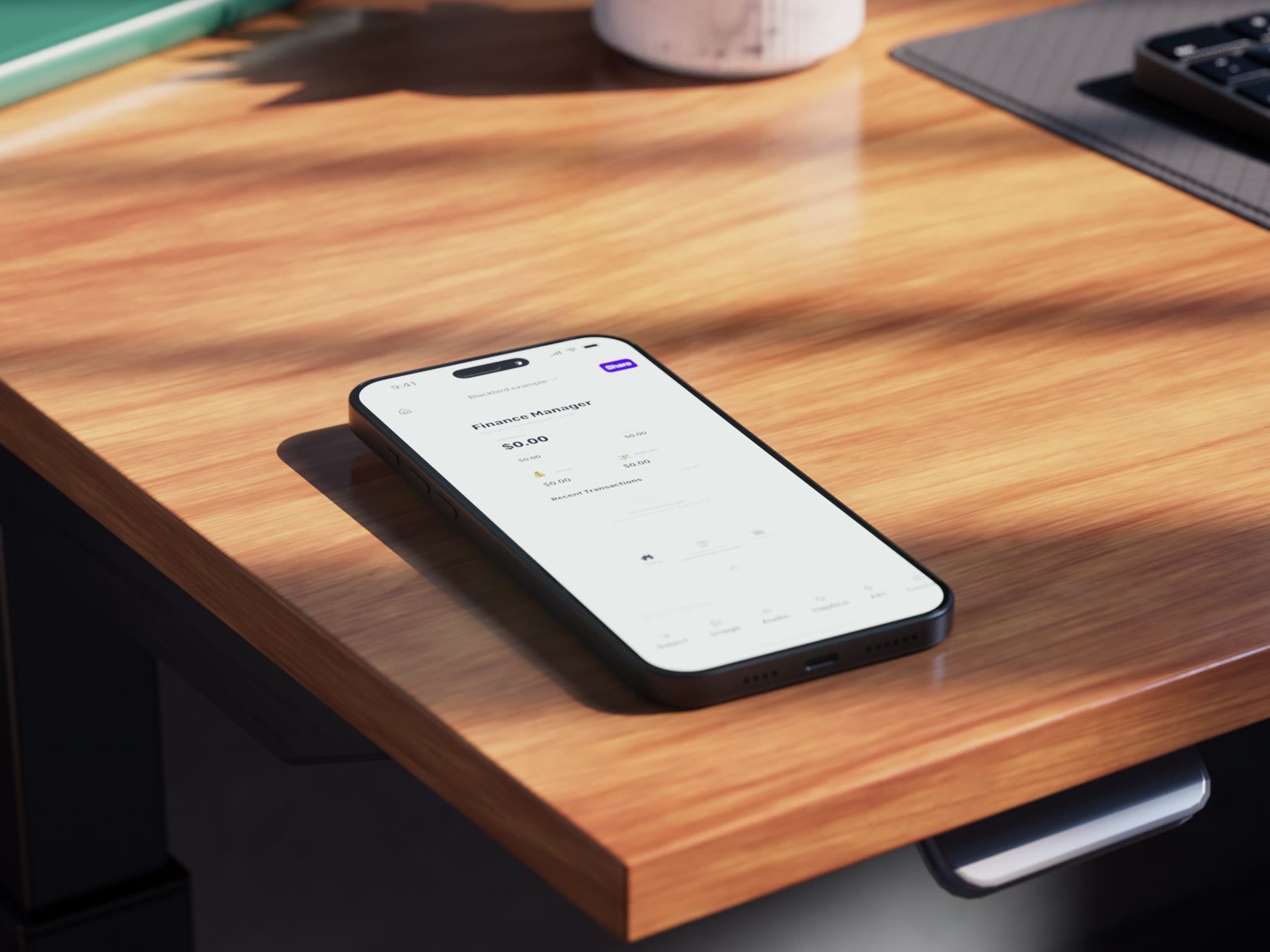
The same device in a dark studio, on a sunlit desk and on clean light-blue sets — each scene lit for a different moment of making the app.
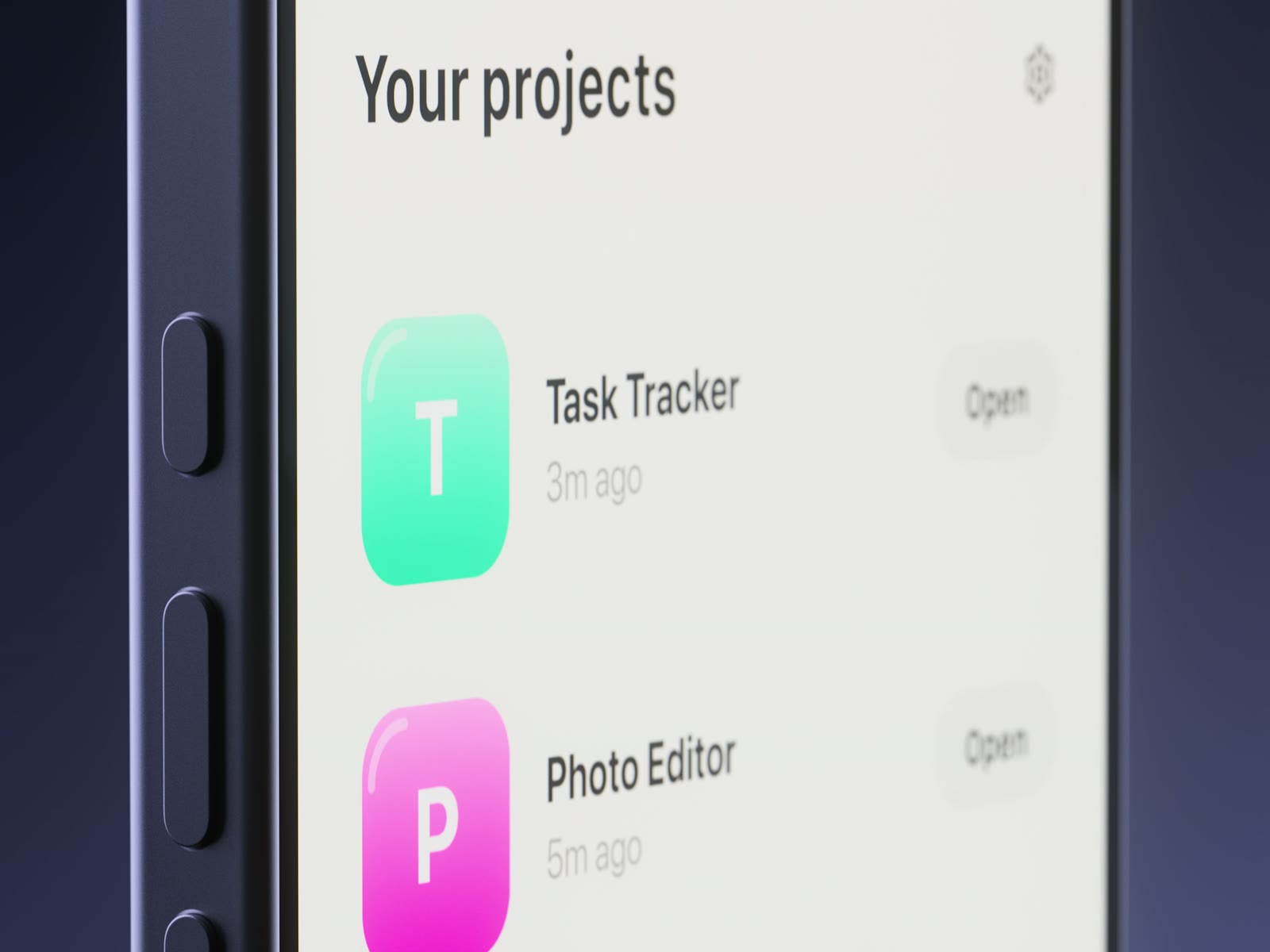
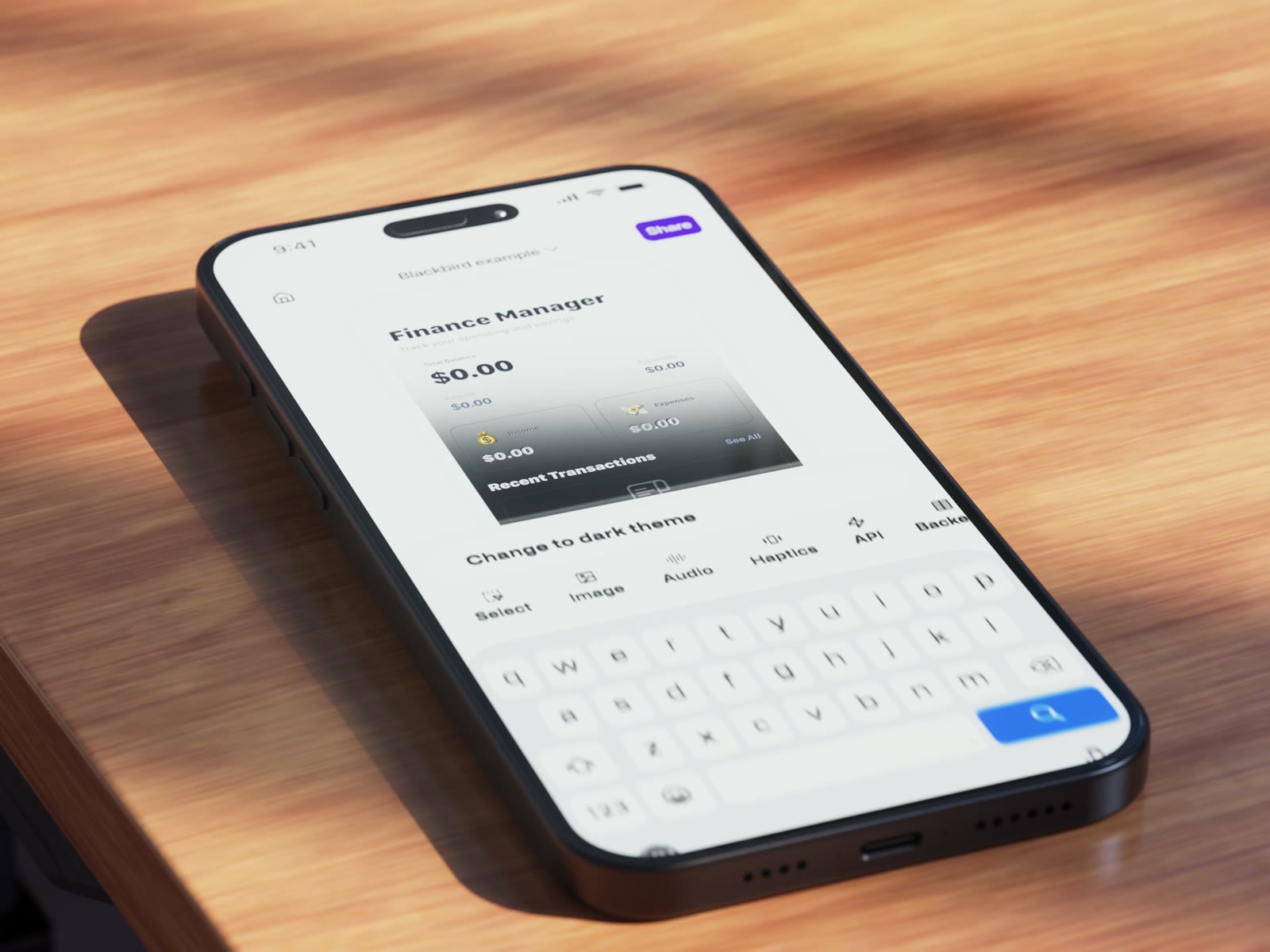
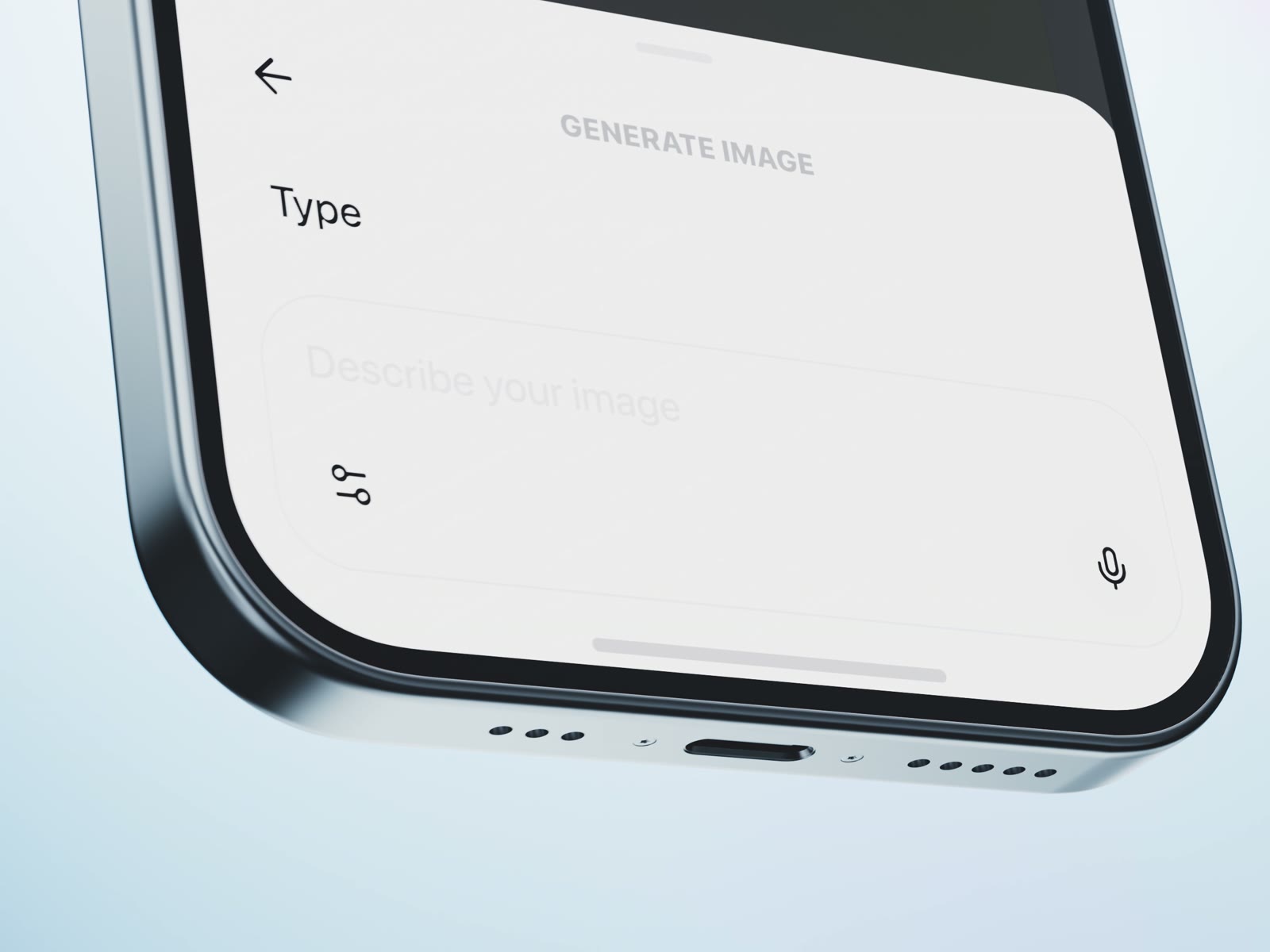
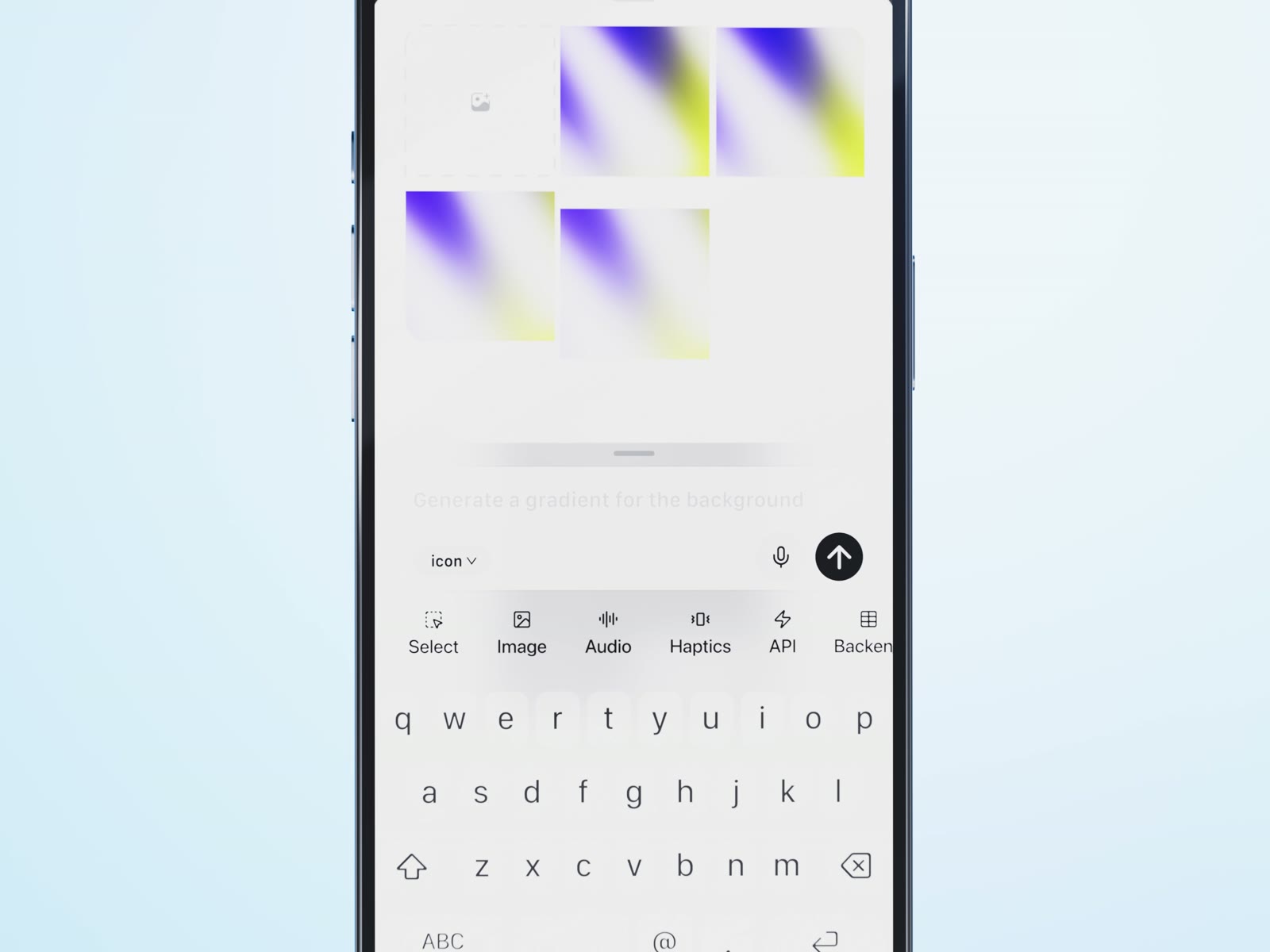
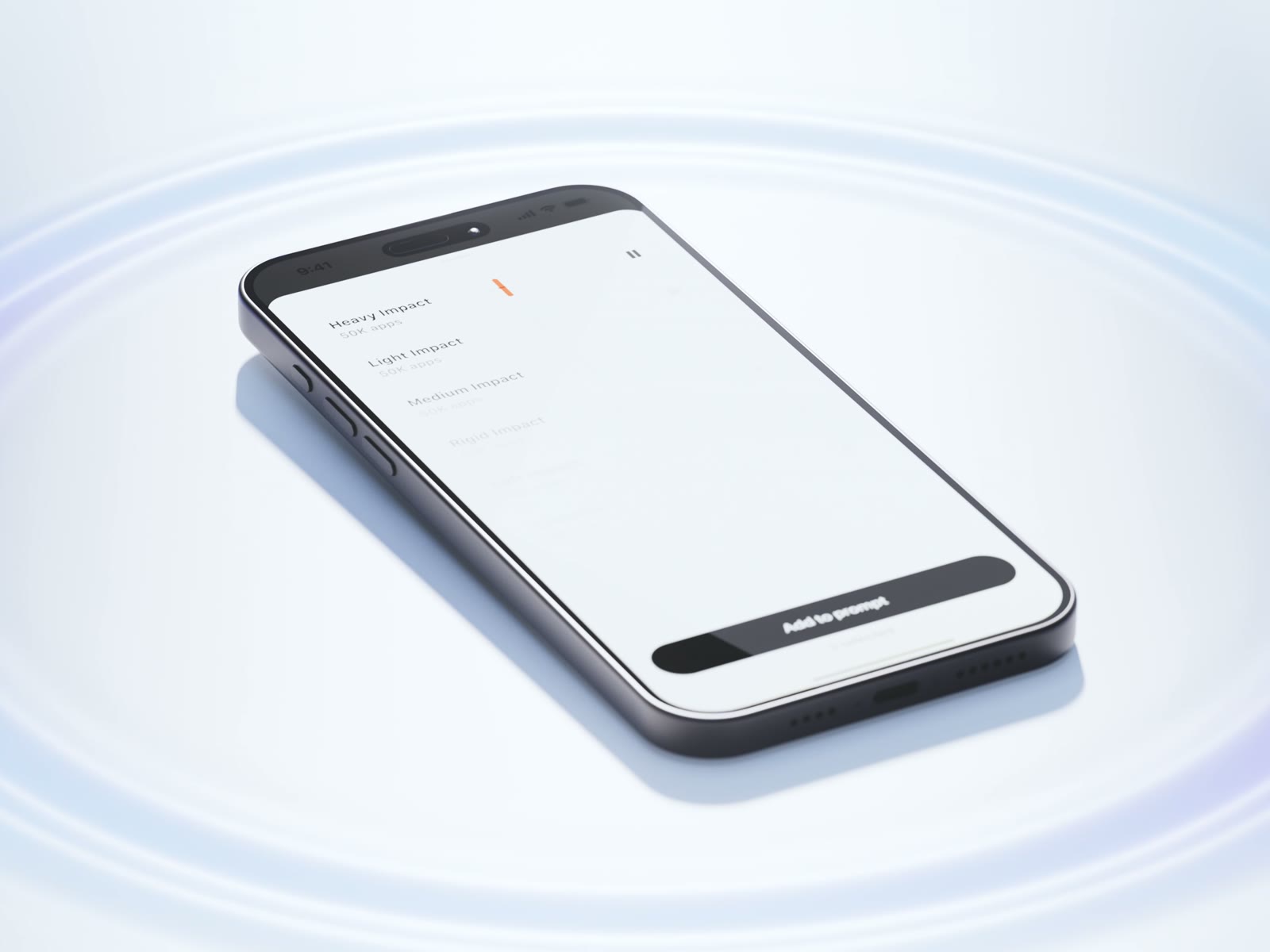
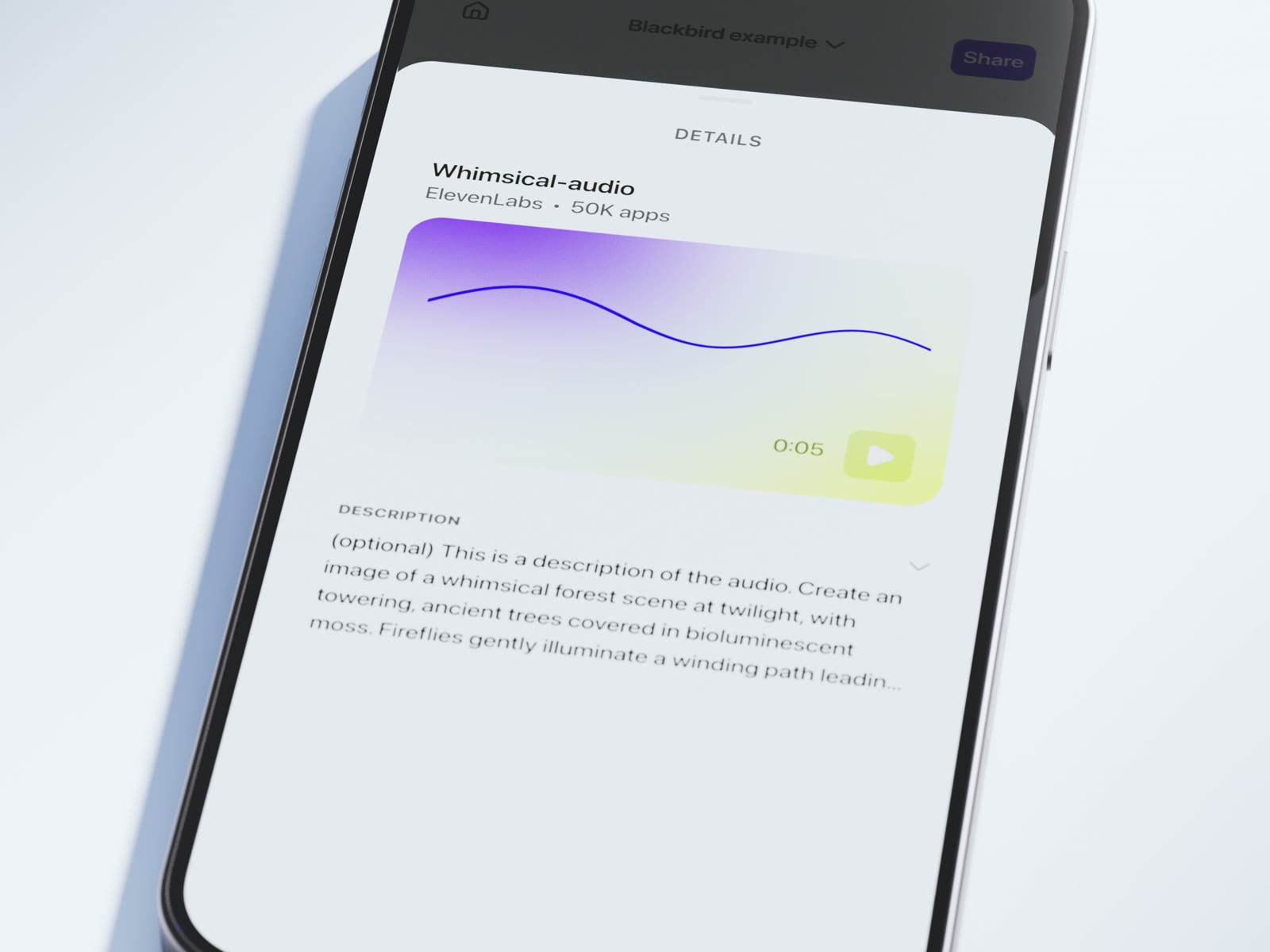
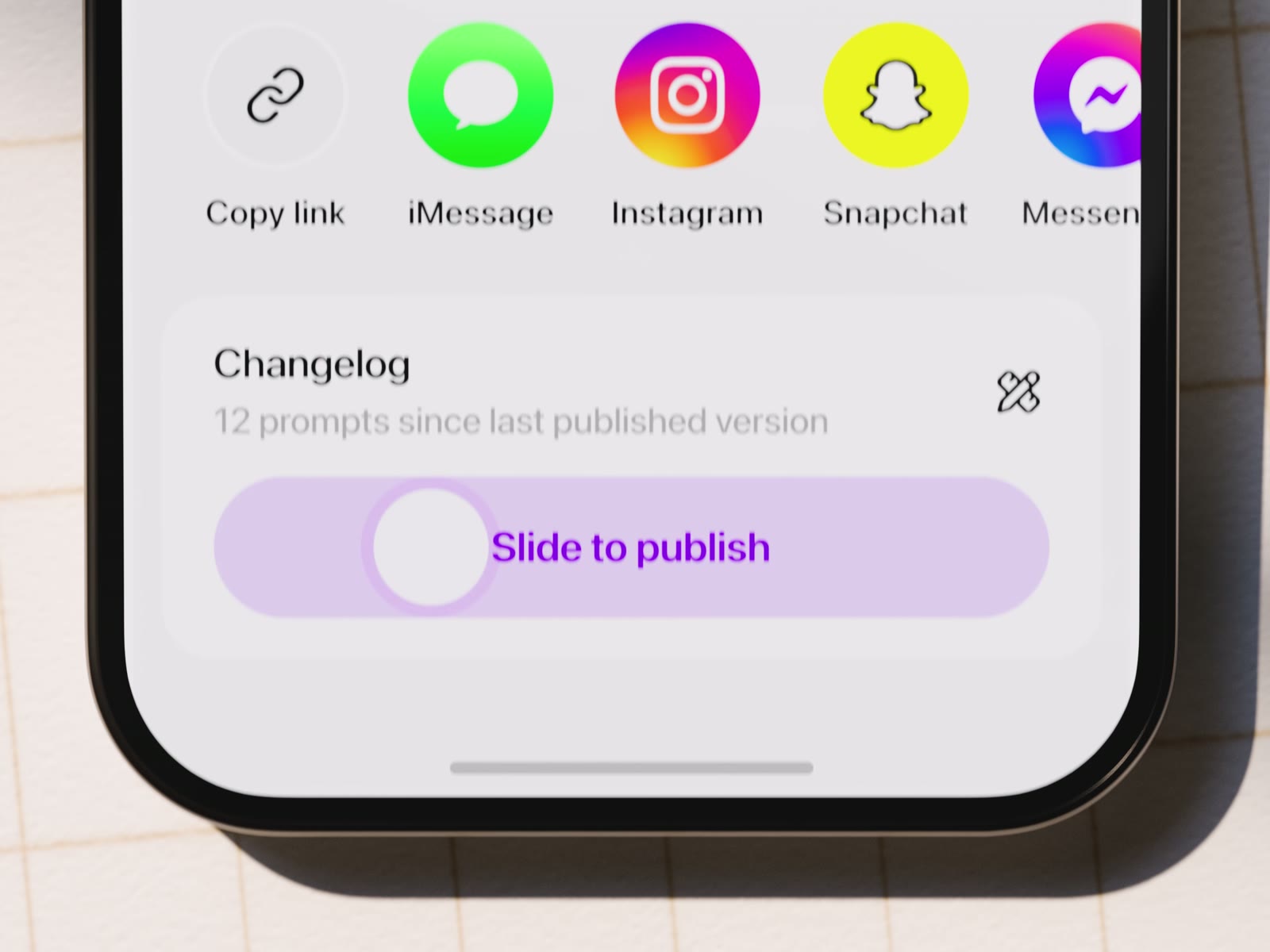
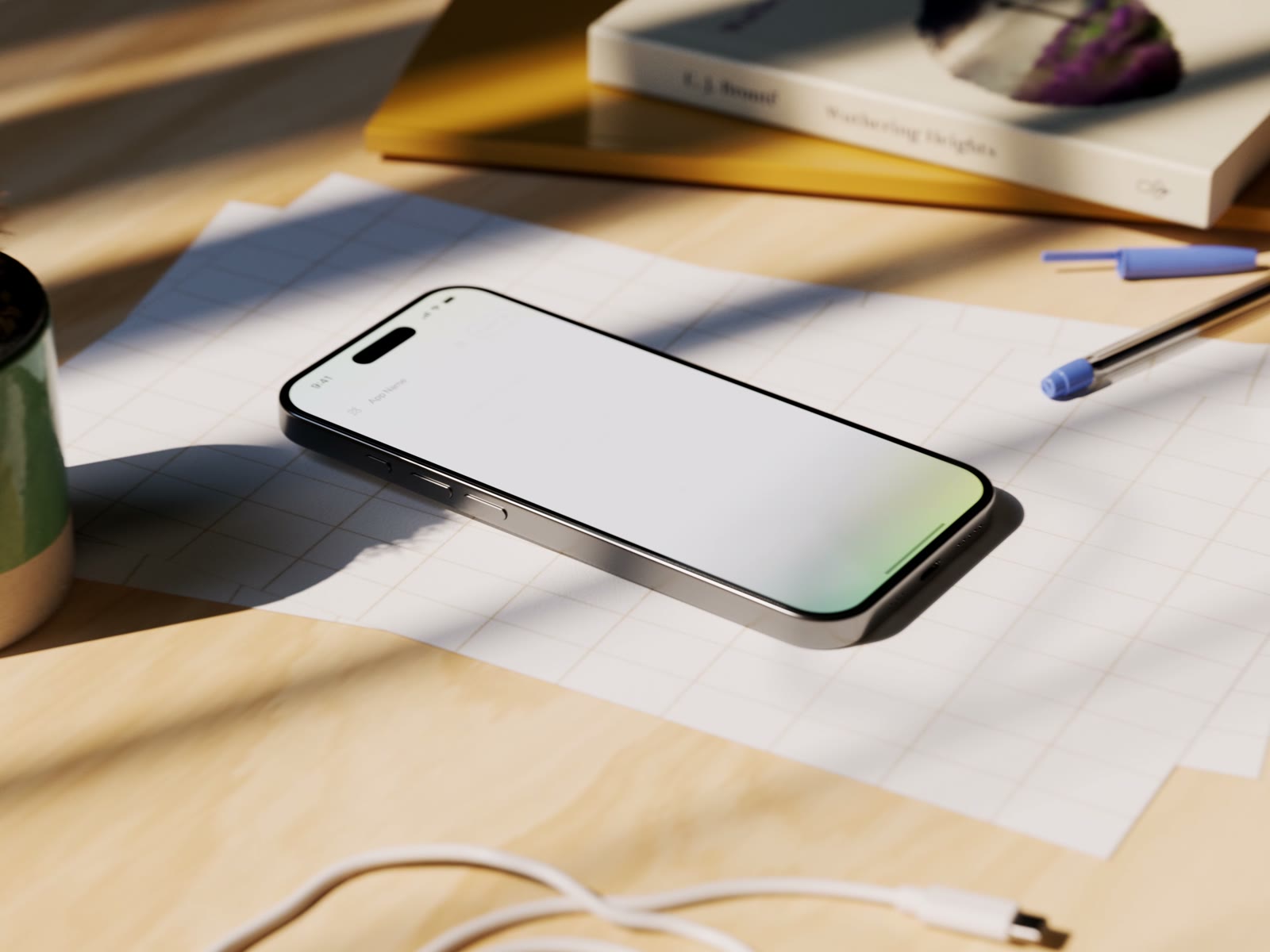
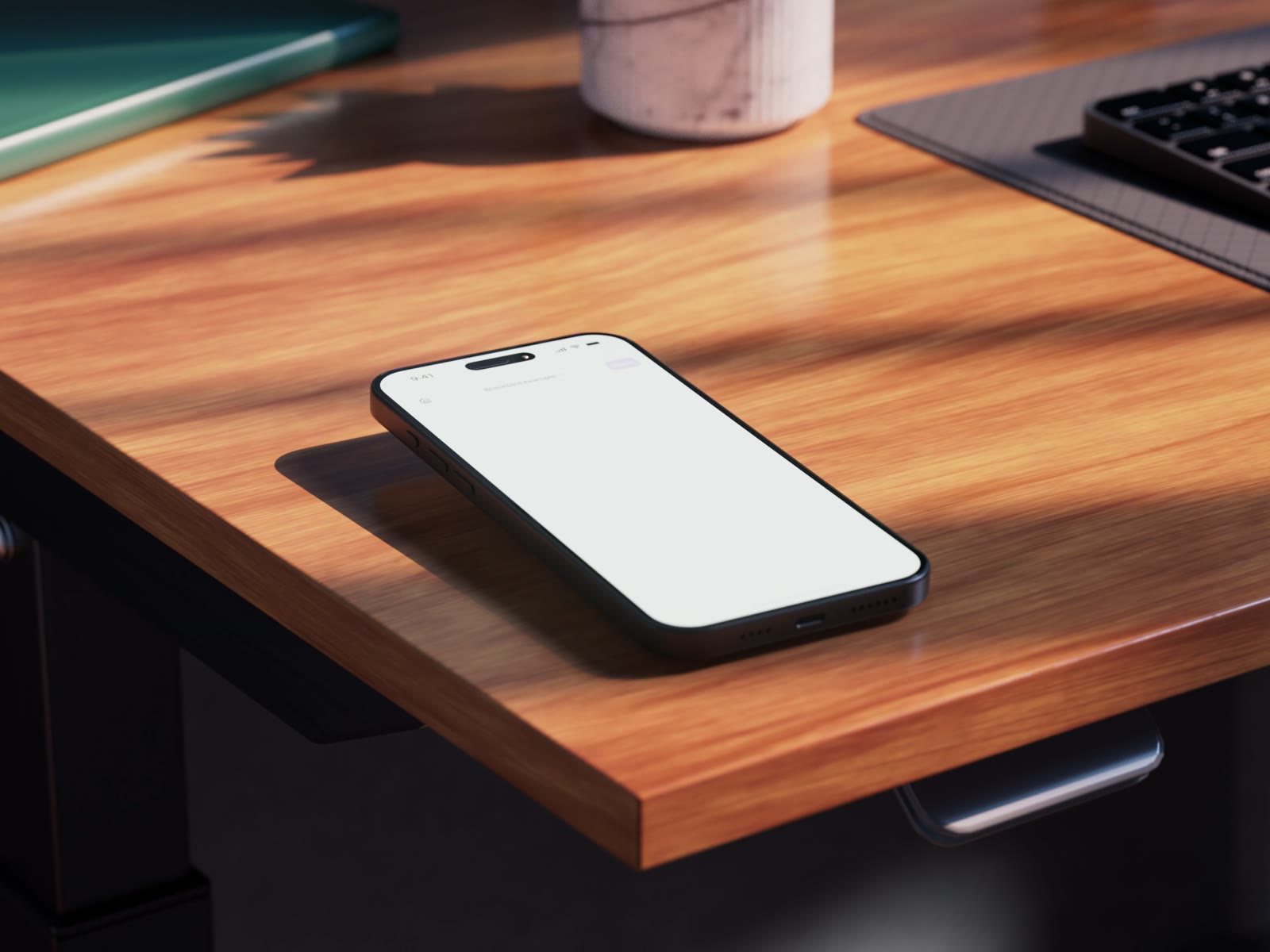
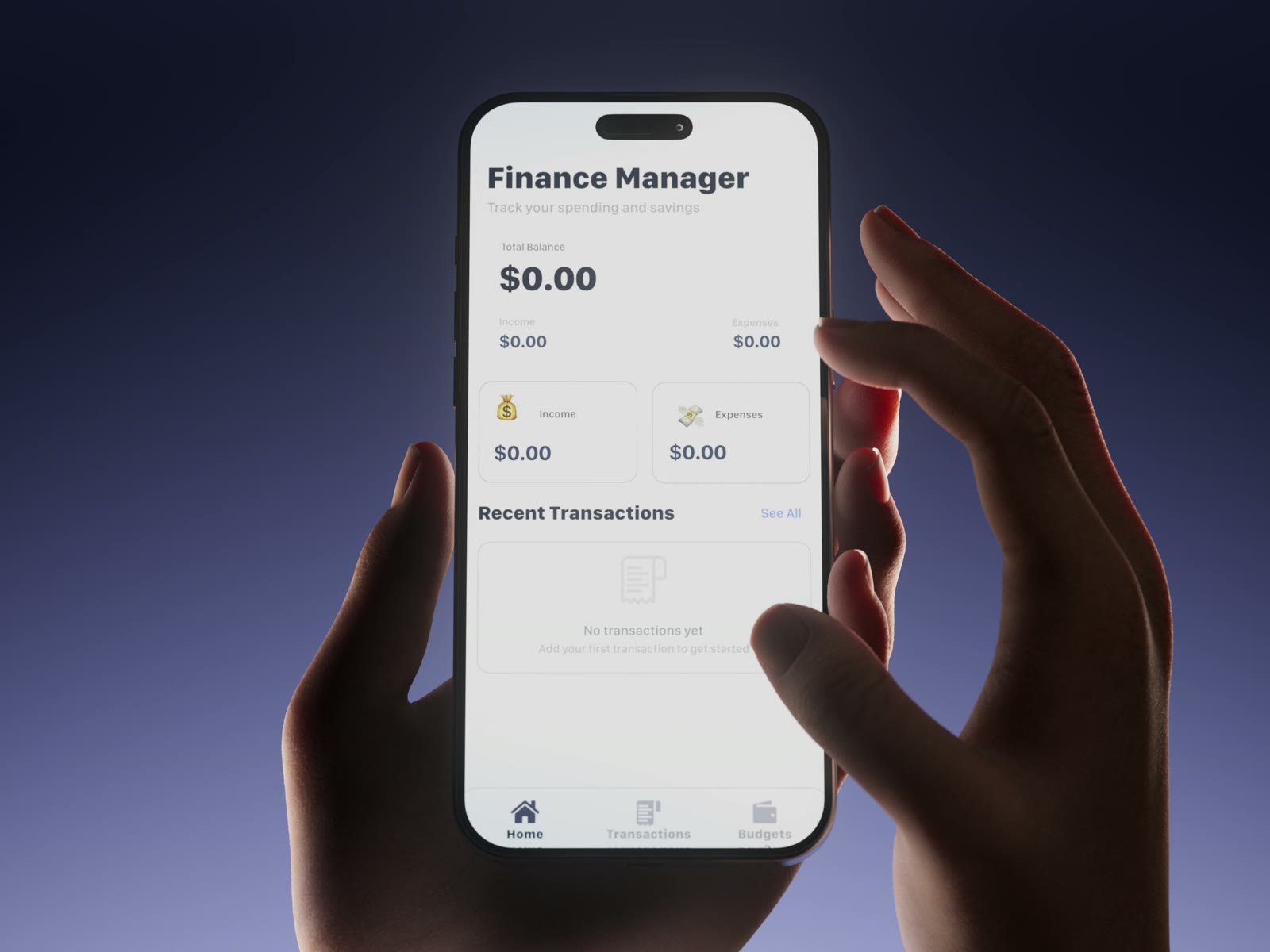
Four frames that carry the film.
What each of them had to do.
The screen is the door between scenes.
Almost every cut goes through the phone’s screen: it fills the frame, and when it pulls back, the world around it has changed.